

Description
A Local Private Server
For Your House
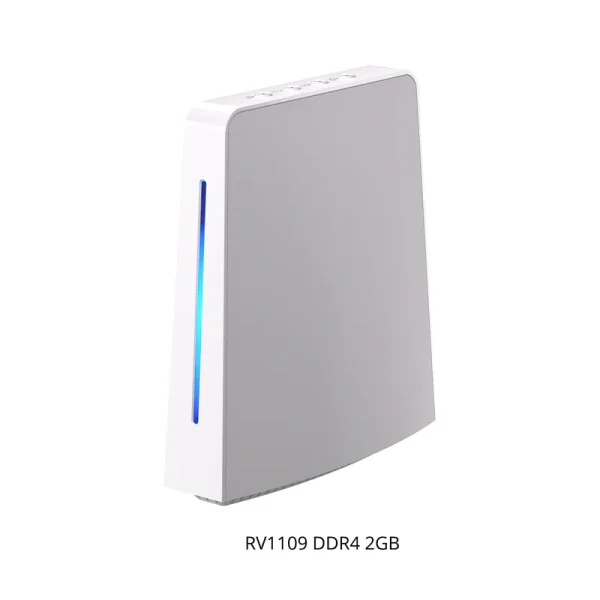
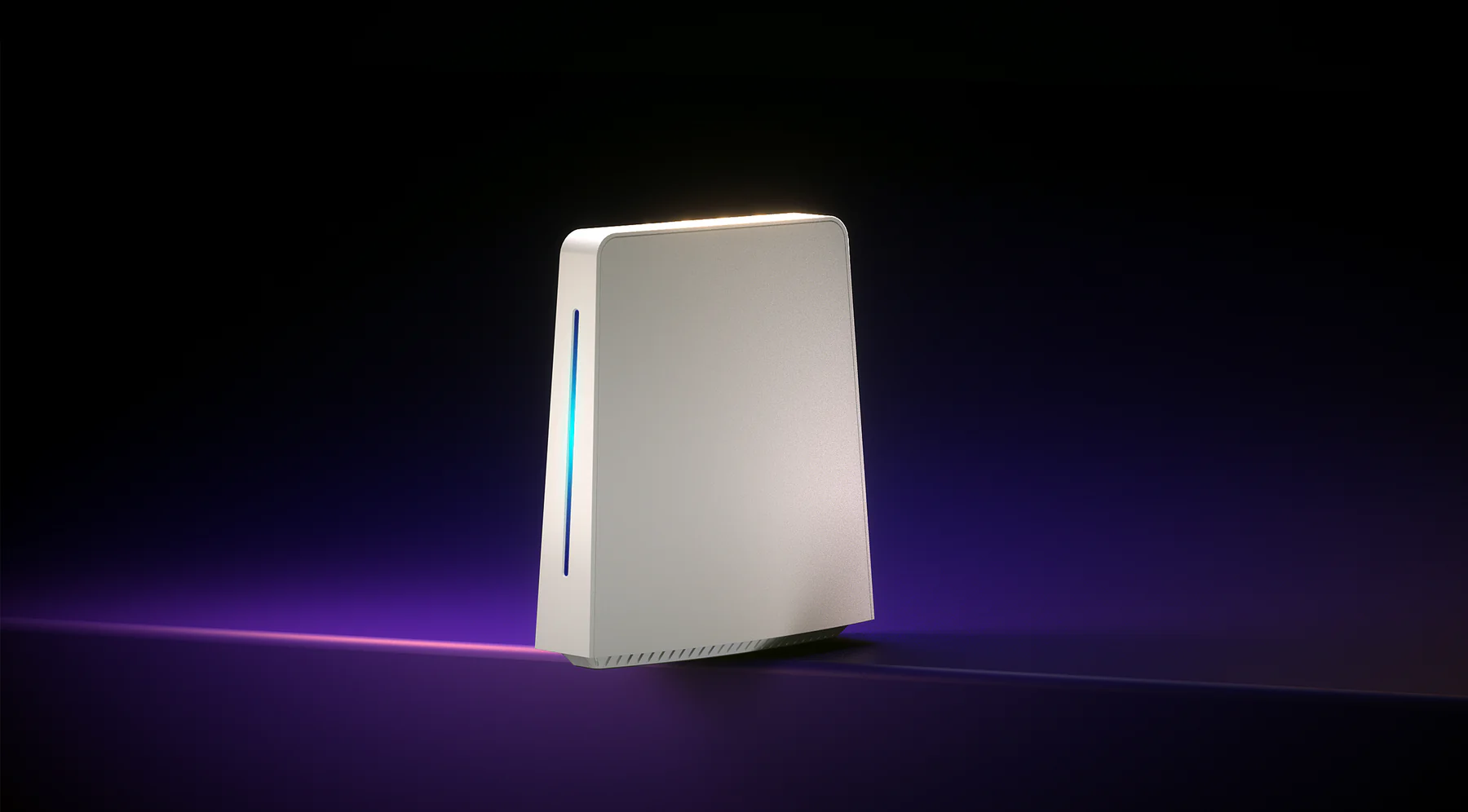
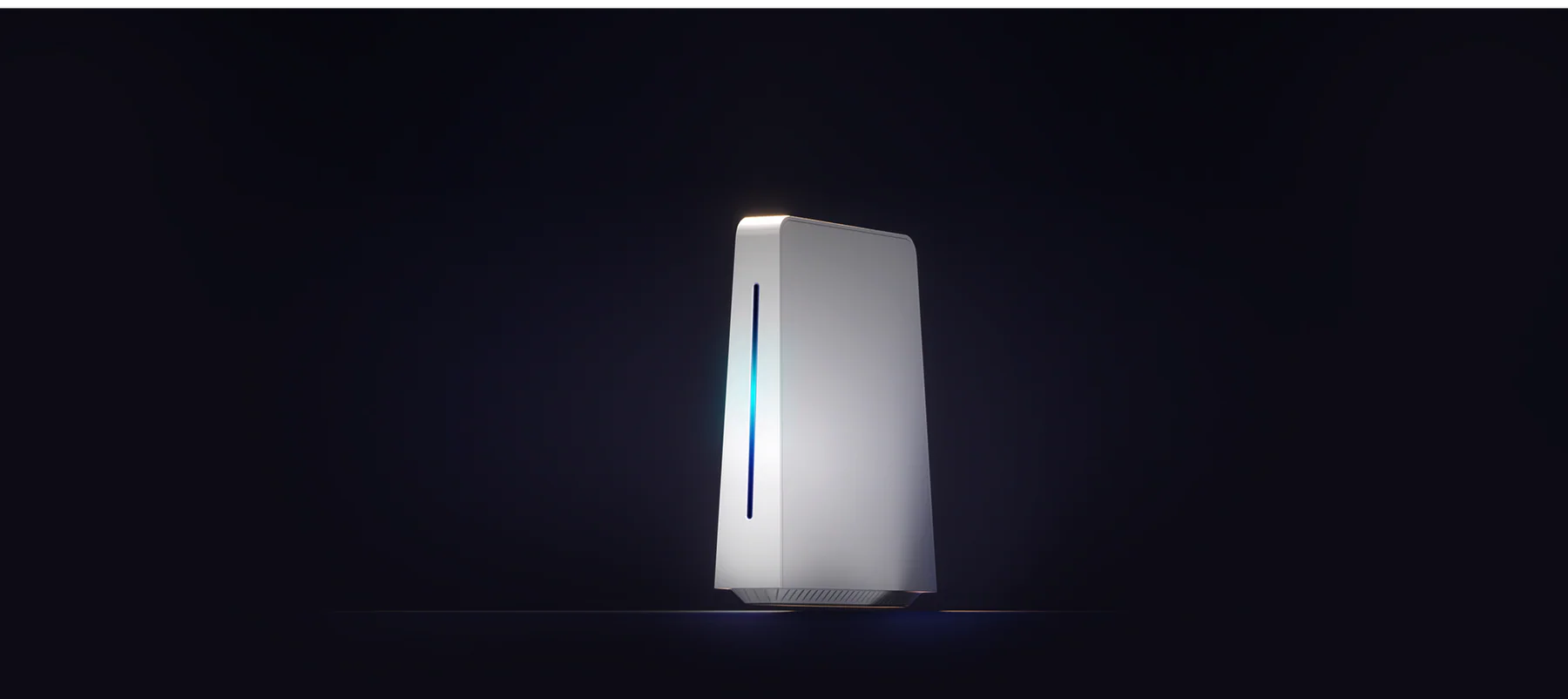
SONOFF Smart Home Hub – iHost
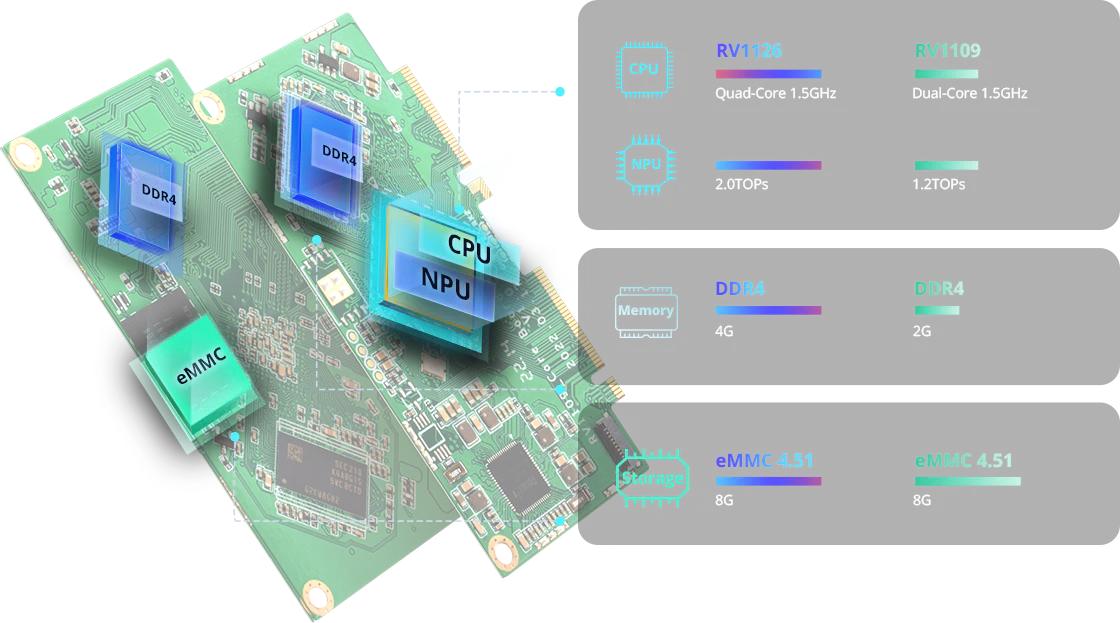
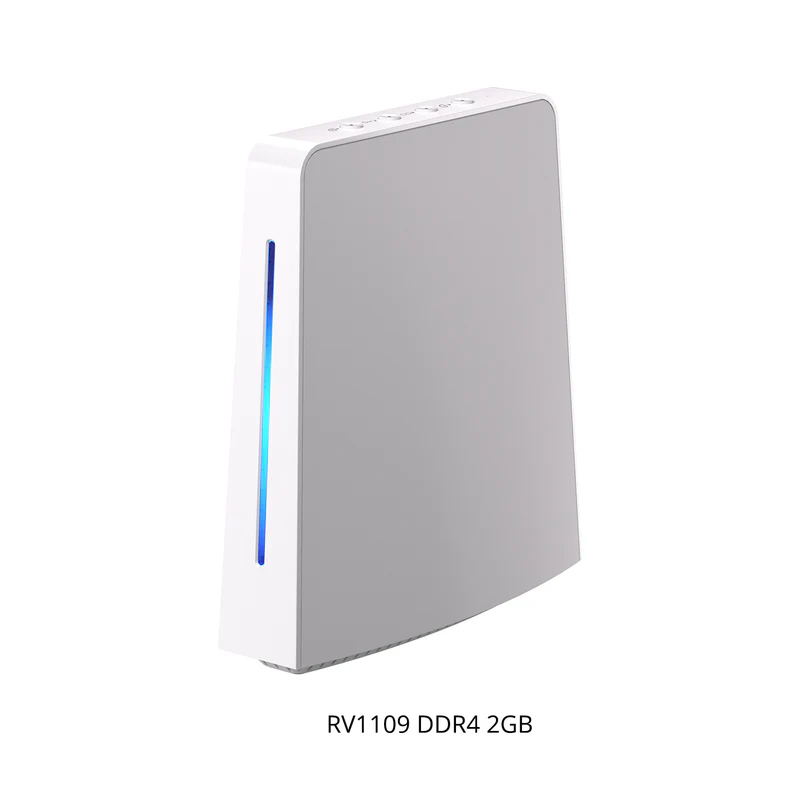
Hardcore Specifications of Hardware
Work As Your Local
Smart Home Hub
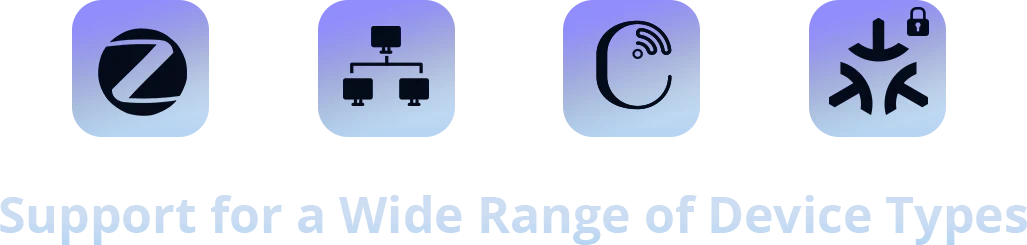
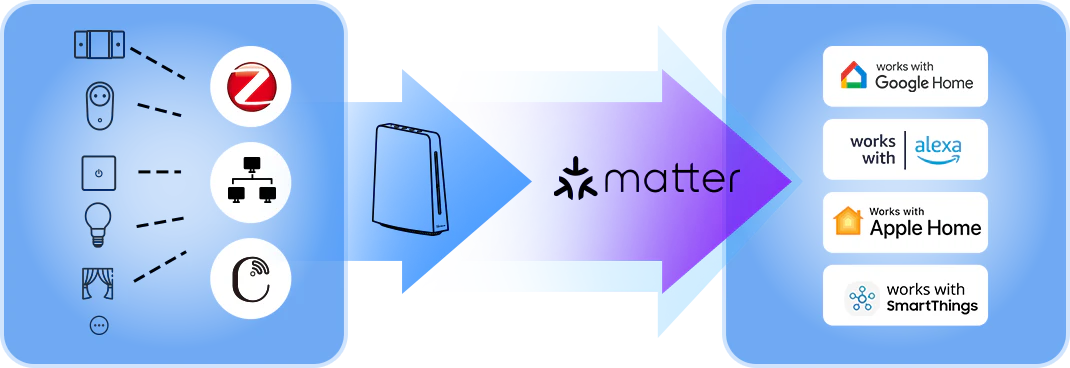
iHost supports adding devices through Zigbee, LAN, eWeLink-Remote and Matter,
allowing you to centralize smart devices at home within iHost.
Zigbee
Enhanced Zigbee Performance
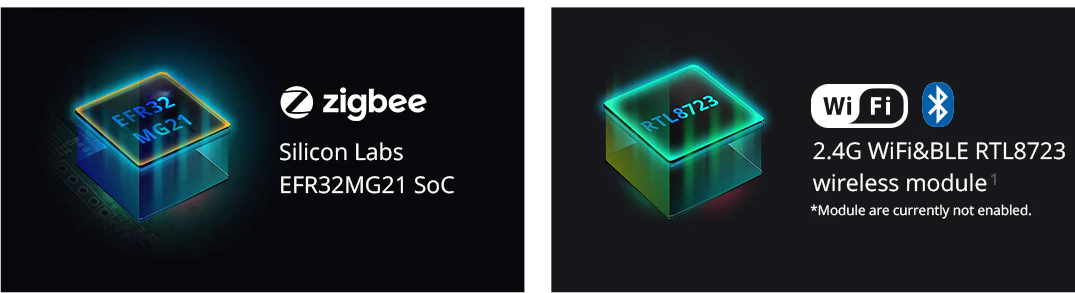
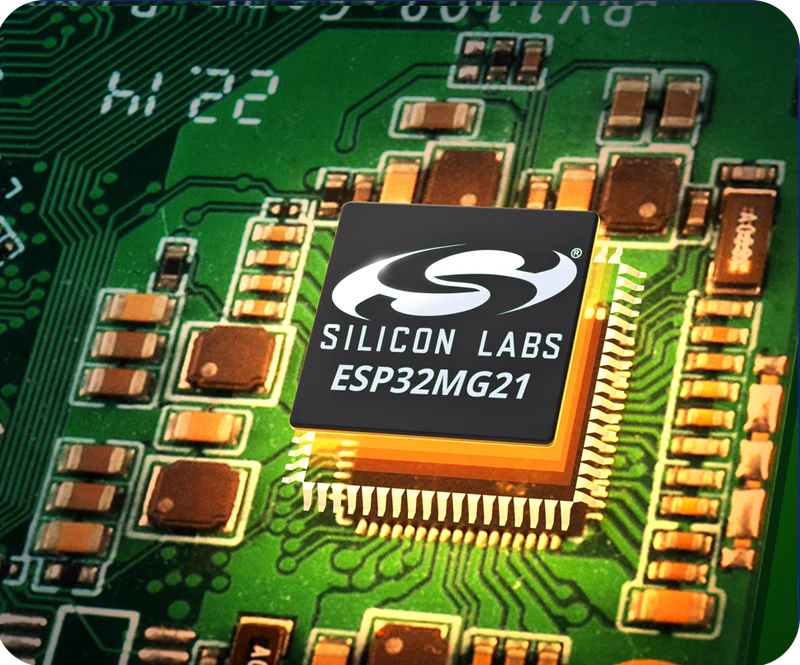
With the enhanced control performance provided by the ESP32MG21 chip, iHost is capable of building a topology network
consisting of up to 128 Zigbee devices.
Up to 128 Zigbee Devices
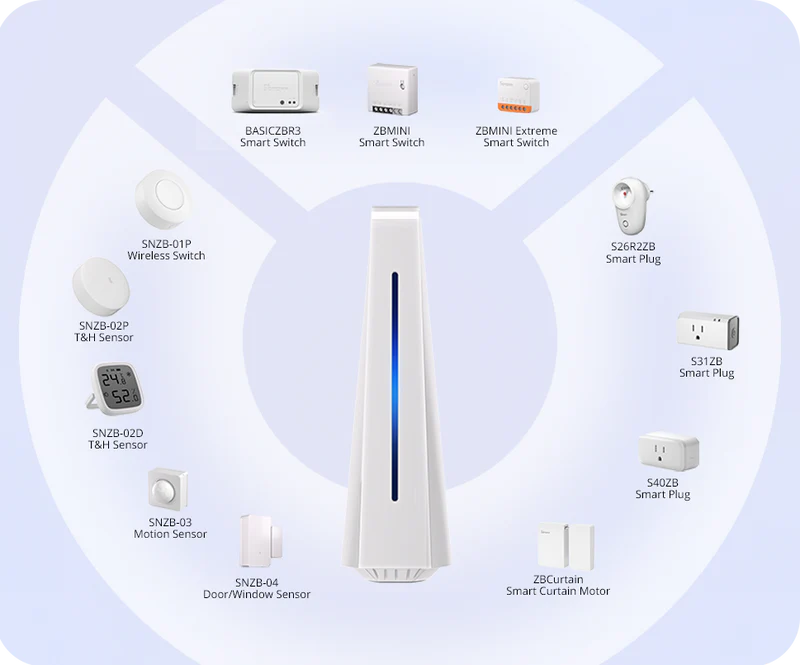
Support SONOFF Zigbee Device
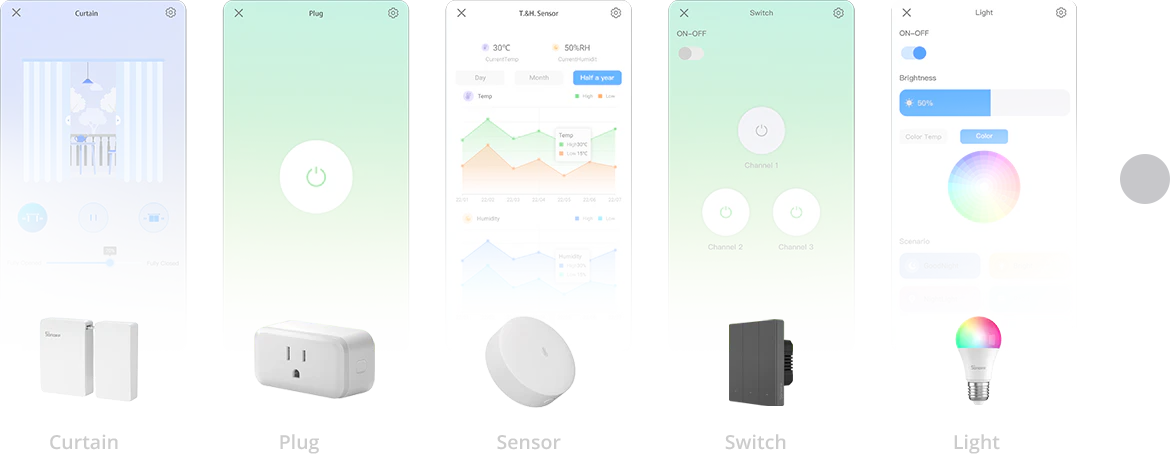
Support all SONOFF Zigbee DIY smart switches, plugs, sensors, curtain motors, and other devices.
Create a comprehensive SONOFF Zigbee ecosystem.
**Local devices and data will not be synchronized to any cloud, including the eWeLink platform. These Zigbee devices cannot be synchronized in the app.
Take Compatibility Capabilities to the Next Level
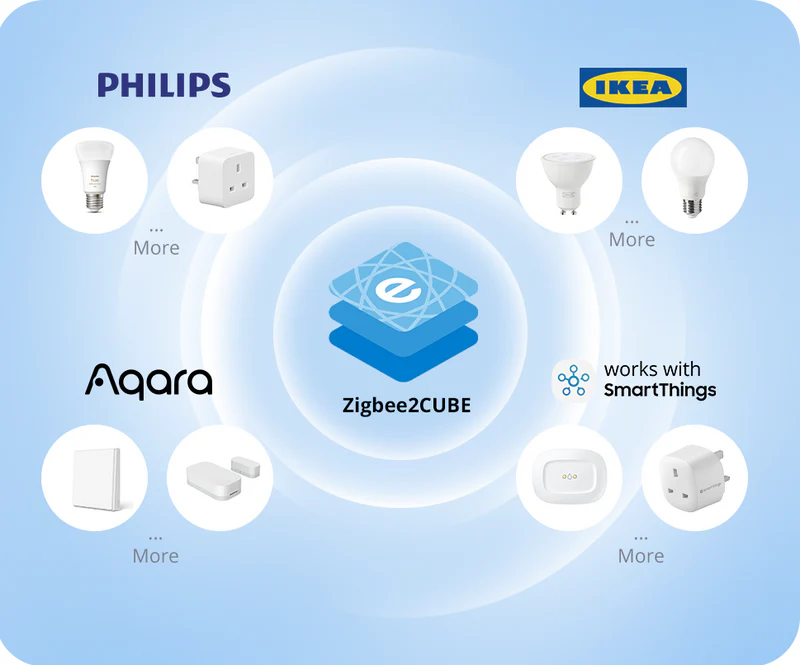
After enabling Zigbee2CUBE, iHost will have stronger compatibility, allowing it to connect to a wider range
of third-party devices such as Philips, IKEA, and others.
Compatibility will continue to improve with software upgrades. Check the current supported list by clicking on the link below:https://bit.ly/3pFFN8Iothers.
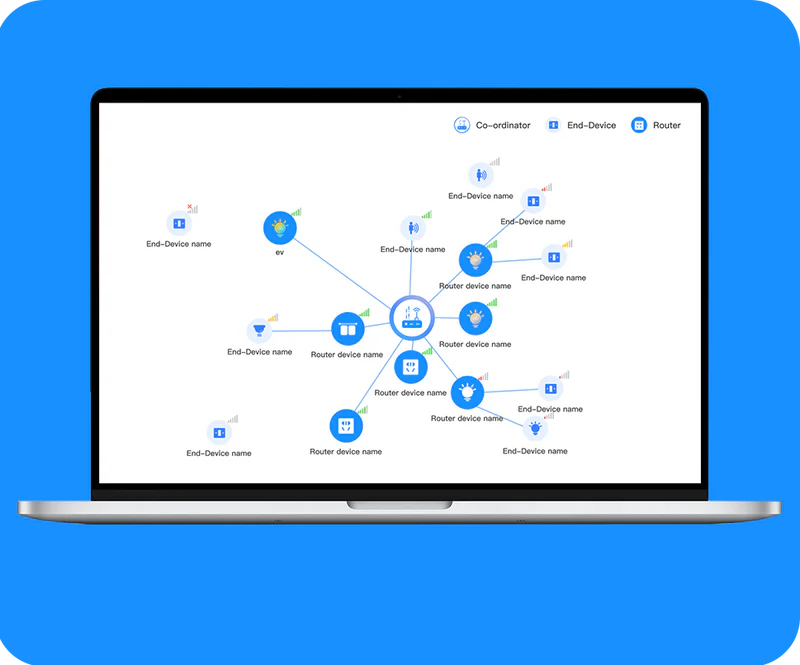
Check Device Status in the Zigbee Map
Viewing the Connectivity Status of all Zigbee Devices in the Zigbee Map, facilitating better device management
and optimizing the Zigbee network in your home.
LAN
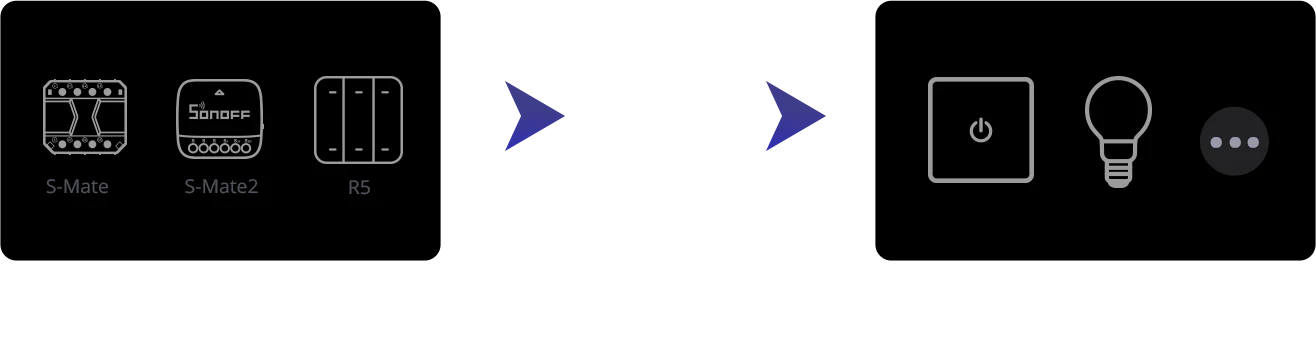
One-Click to Trigger eWeLink-Remote
iHost can work as an eWeLink-Remote Gateway, allowing you to add R5 or S-mate devices. By creating smart scenes,
you can quickly control the devices in iHost and achieve local remote control.
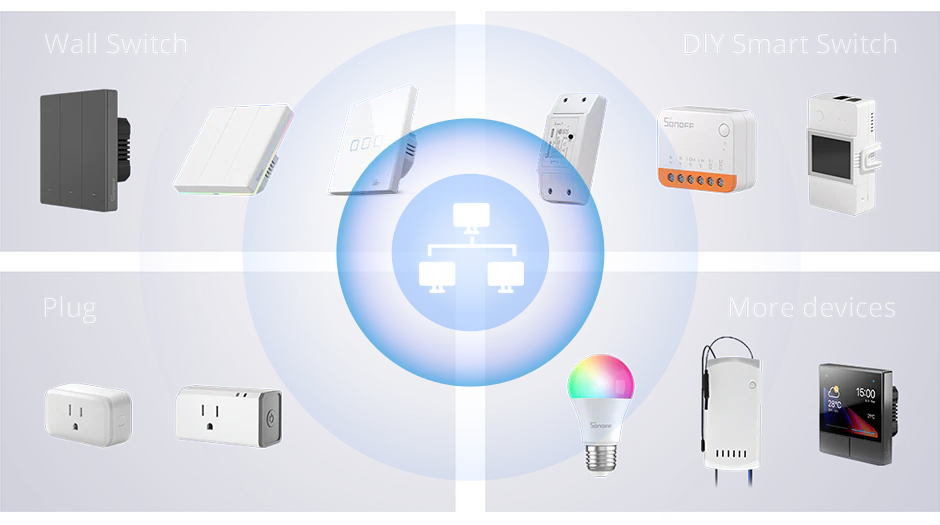
Support SONOFF LAN Device
Synchronize LAN-controllable SONOFF devices within the local network. Wall switches, retrofit modules, sockets,
and more can be controlled locally.
*Check the detailed supported list by clicking on the link https://bit.ly/43eoNDZ
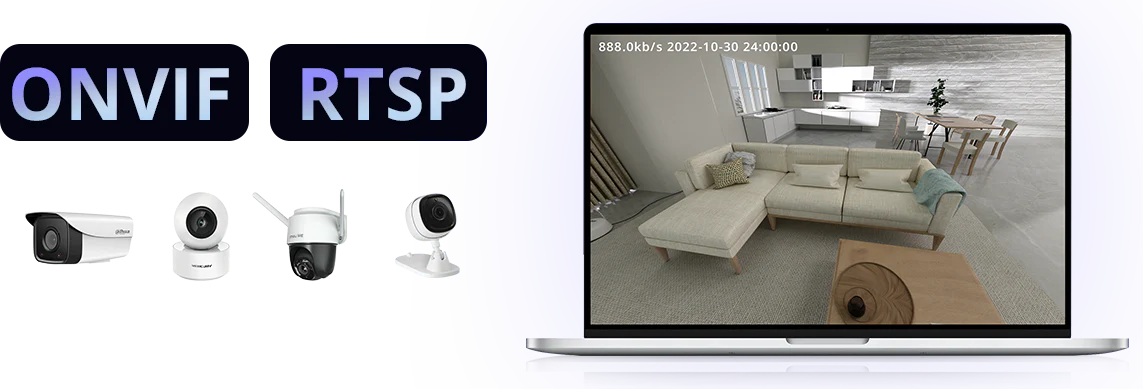
Real-time Viewing of ONVIF and RTSP Camera
Search and add ONVIF or RTSP cameras within the local network to view surveillance footage at any time on the center console.
eWeLink-Remote
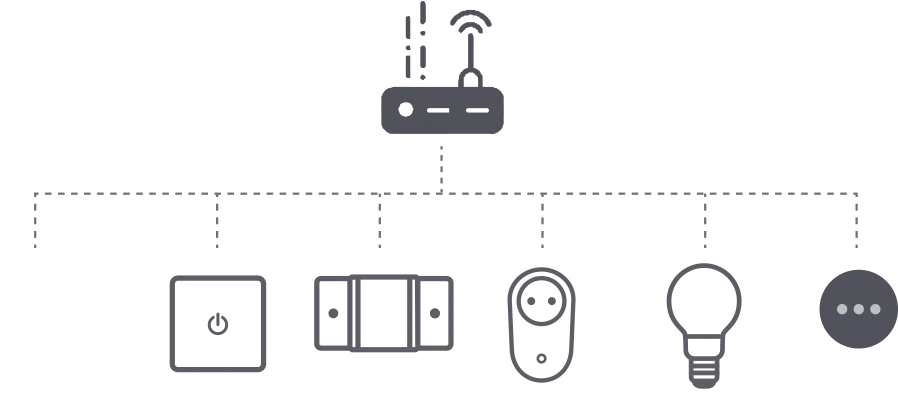
Manage Devices in a Local Area Network
iHost supports connecting and controlling various devices within the same local area network (LAN) of a router,
allowing the creation of different usage scenarios for them.
Matter Hub
iHost can serve as a Matter hub to add and manage other brands’ devices that support Matter,
enabling control within the iHost platform.
*Matter Hub is currently under development and expected to be launched in early 2024.
This manufacturer information is from https://csa-iot.org/members/
Work As Your Smart Home Bridge
Bridge to Matter Network
You can synchronize various devices within iHost to platforms such as Alexa, Google Home, Apple, and others using the Matter bridge. Make the non-Matter protocol devices to be used in the platform that supports Matter.
Bridge to Home Network
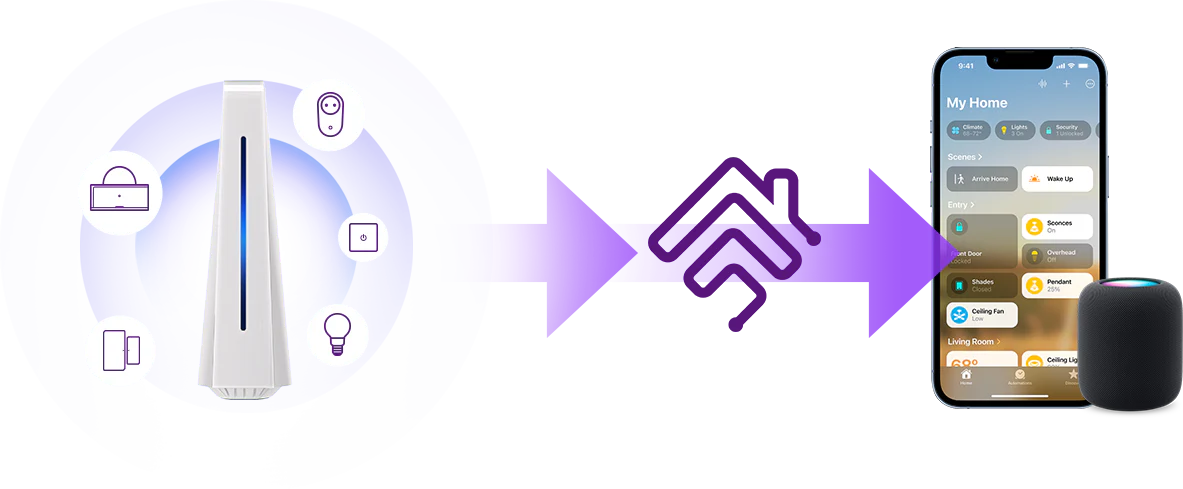
Install the Homebridge plugin and synchronize devices from iHost to Homebridge by activating the eWeLink Cube plugin. This allows you to manage and control these devices through the Home APP.
Work As Your Local
Smart Home Server
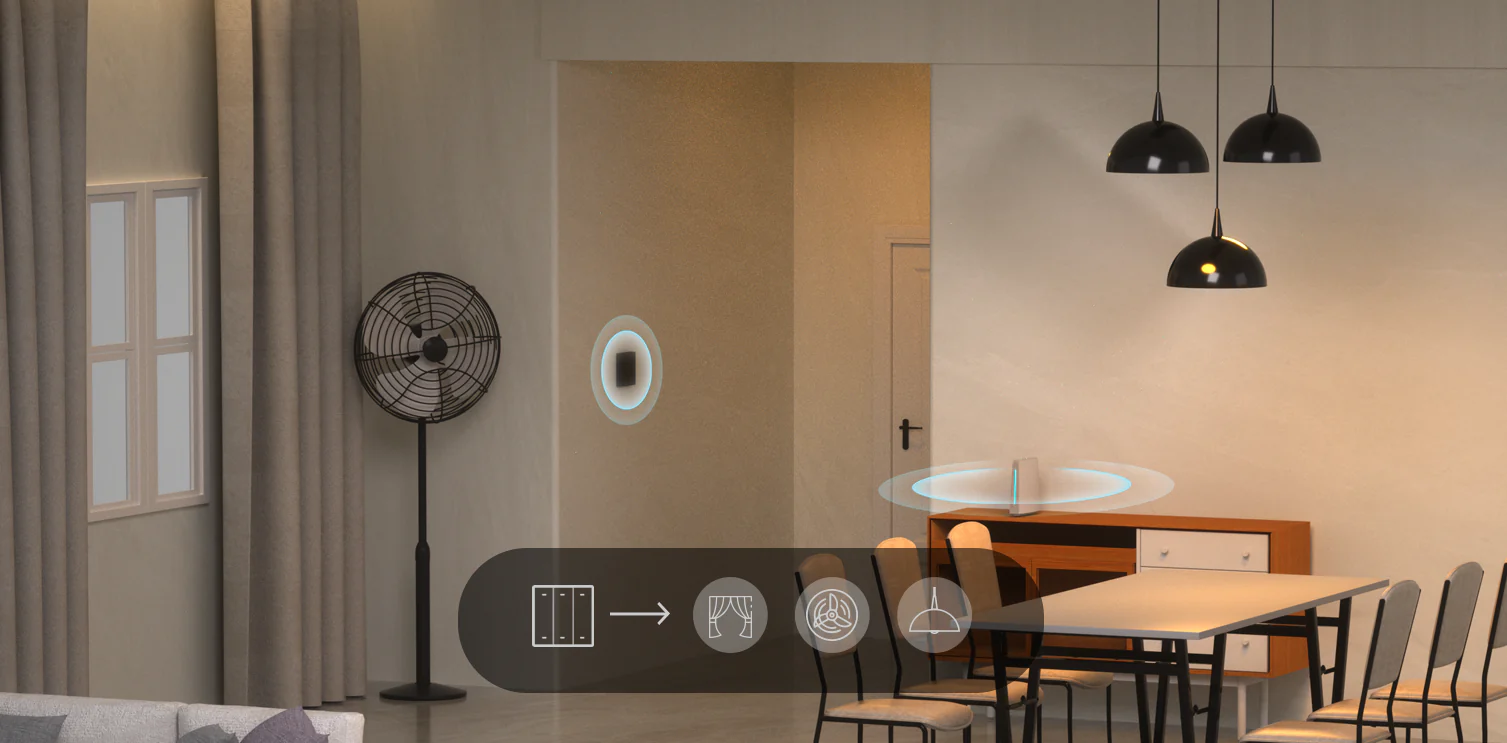
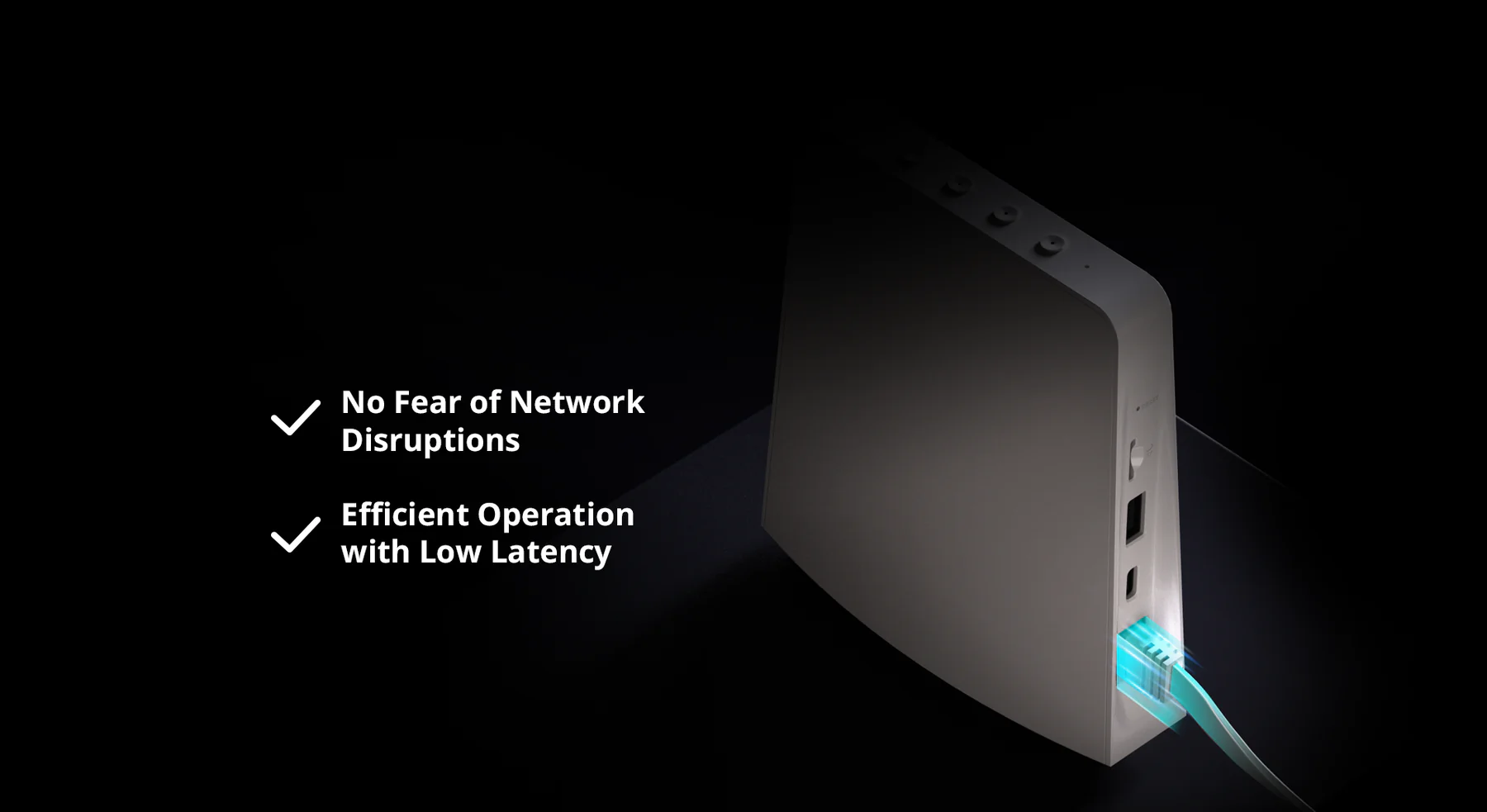
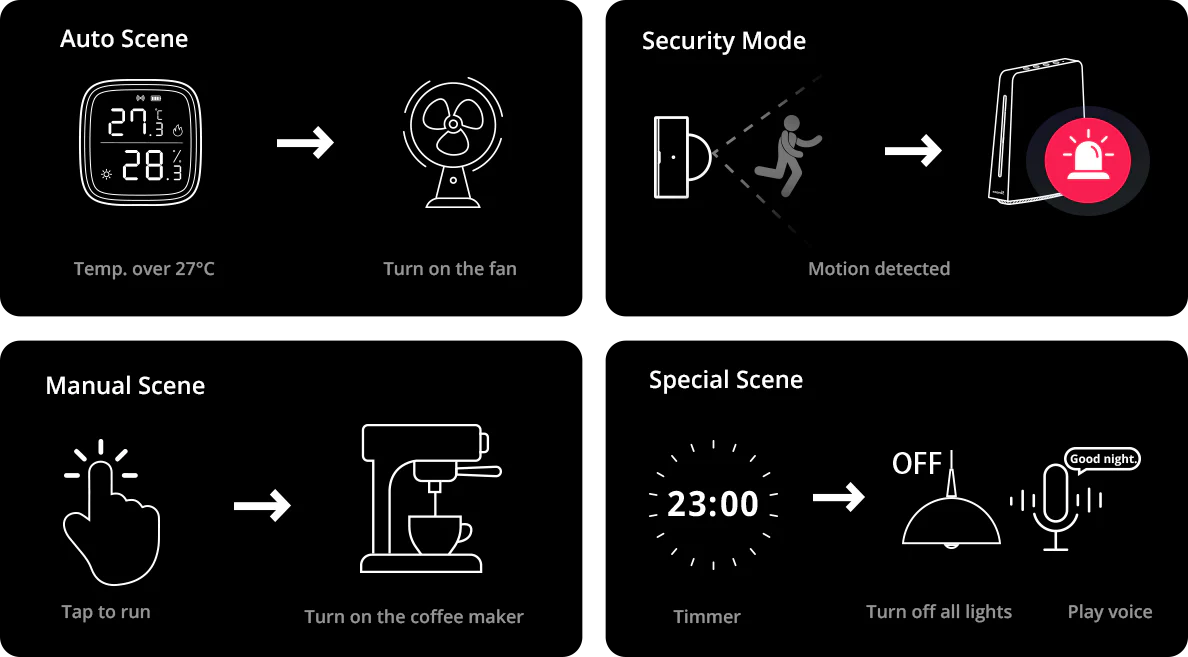
iHost is equipped with a powerful built-in rule engine that allows customizing various complex automation rules. These rules are stored locally and do not require external network or cloud support. Even in the event of network disconnection, iHost can still function normally, ensuring low-latency operation.
Local Automation
iHost supports settings local security modes and smart scenes. With software updates, it gradually unlocks more customizable capabilities.
Expanding Automation Possibilities
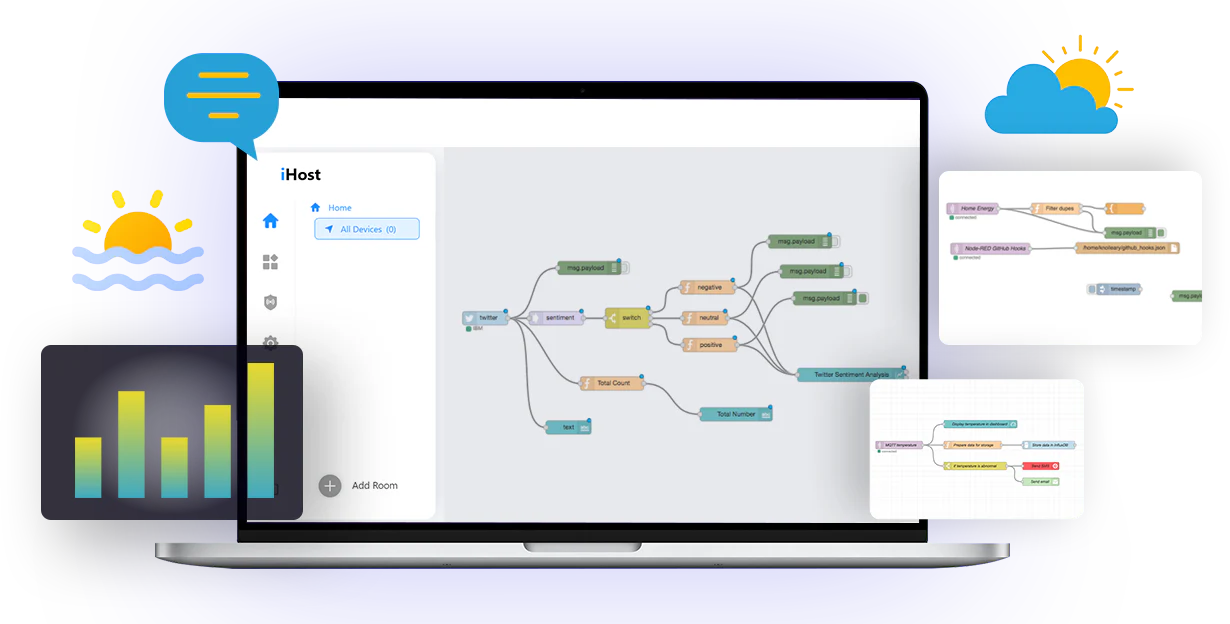
with Node-RED
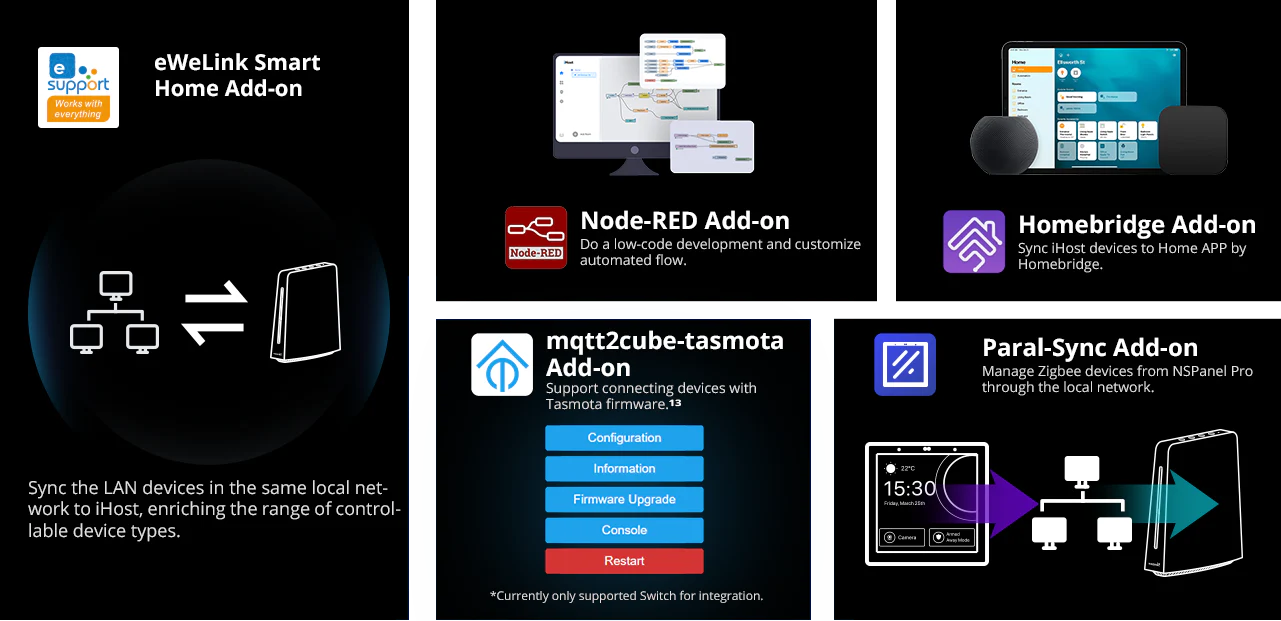
Install Node-RED Add-on in iHost to create scenes with more versatility. Weather triggers? Create data tables? Implement a wide range of scenes through third-party nodes.
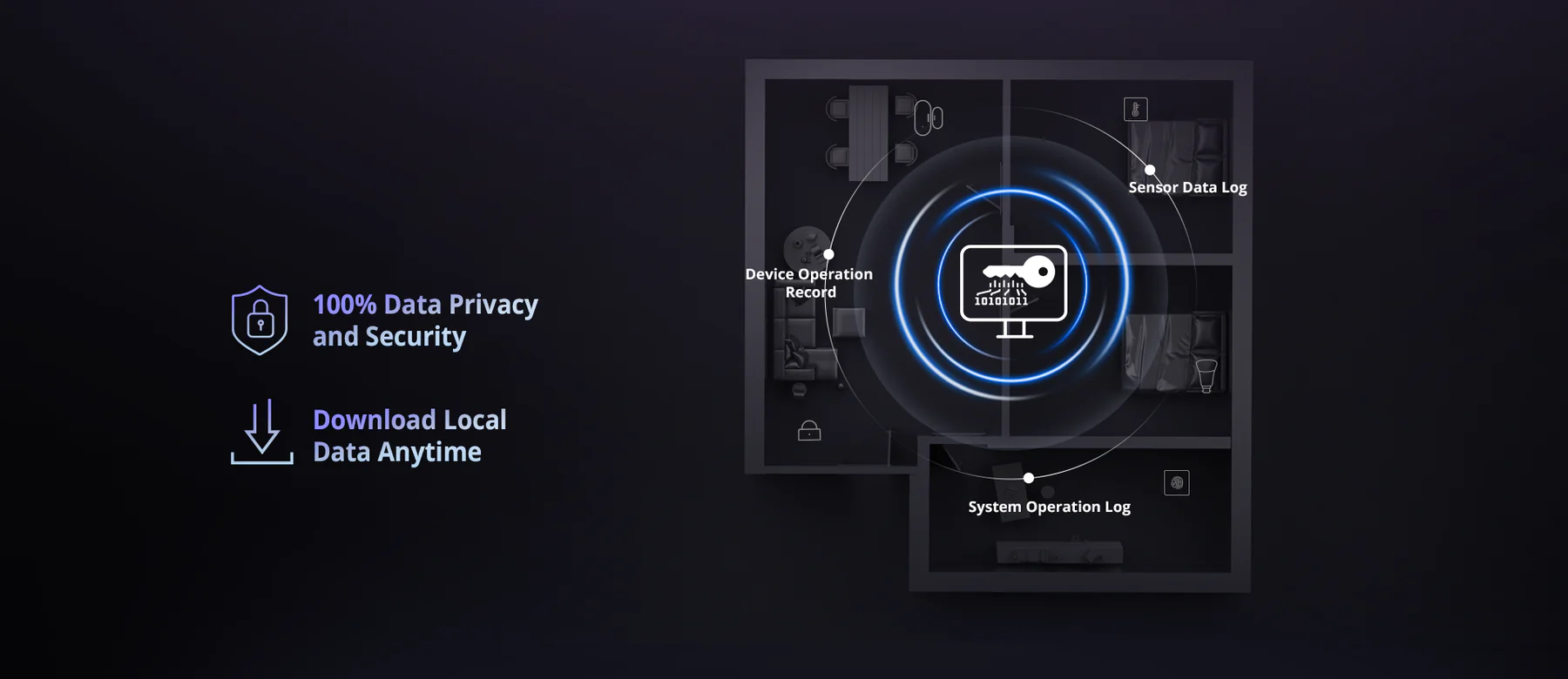
Local Data Storage
and Manage
All data is stored in a local database
and each data type supports local
storage of 2000 data.
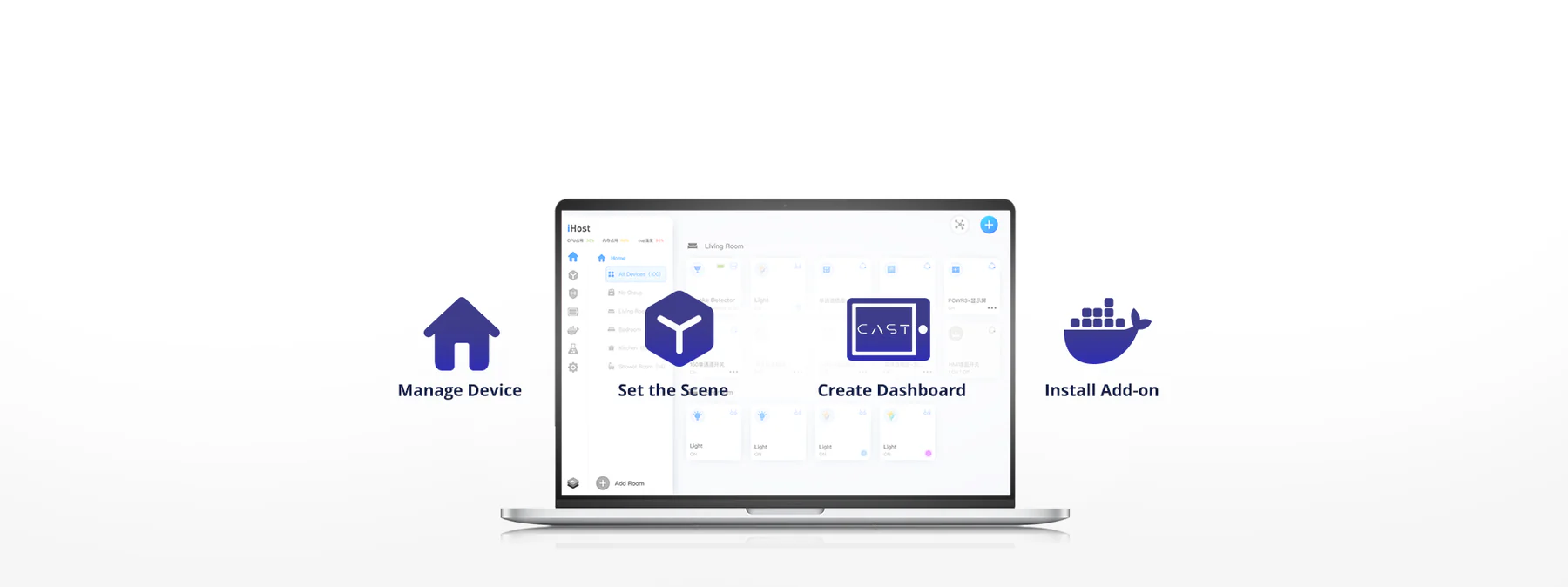
Feature-Rich Center Console for Your Needs
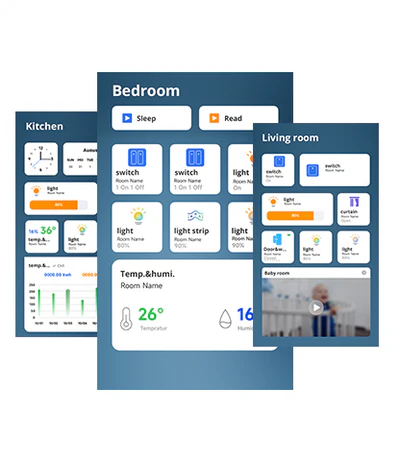
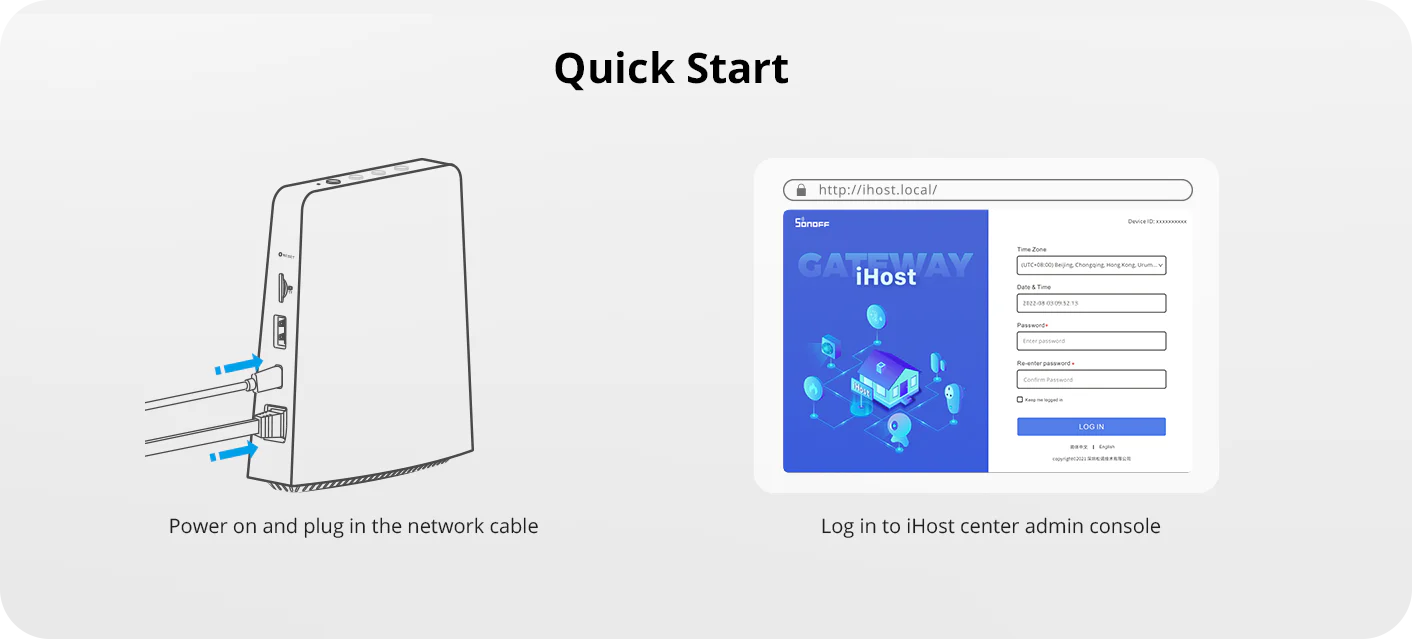
Access the iHost center console through a web browser, where manage devices, set up smart scenes, configure dashboards, and install Add-ons, among other features.
Personalized Configuration Dashboard
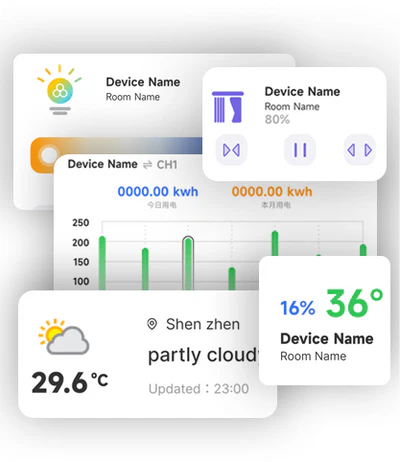
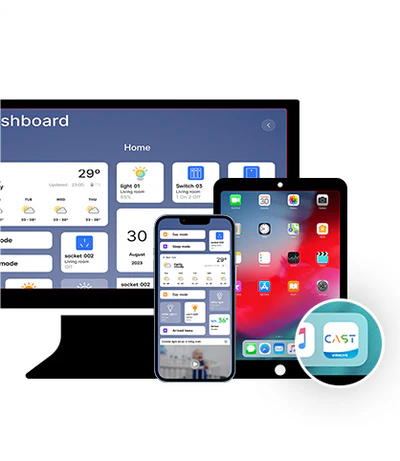
You can configure eWeLink CAST in the central console to create a personalized dashboard. By accessing the dashboard through a browser or the eWeLink CAST app, collectively manage your devices.
Custom Different Dashboard
Configure Widget
Quick Access on Different Devices
More Possibilities
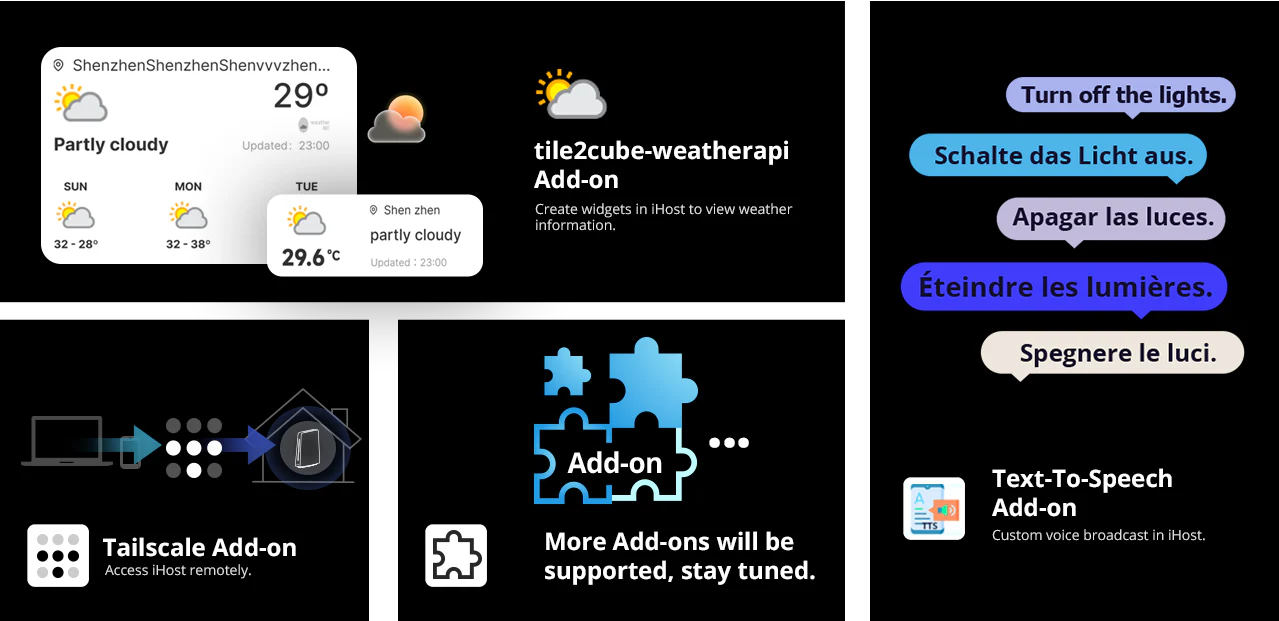
From Various Add-ons
By installing different Add-ons, you can expand the functionalities of iHost and bring in new capabilities.
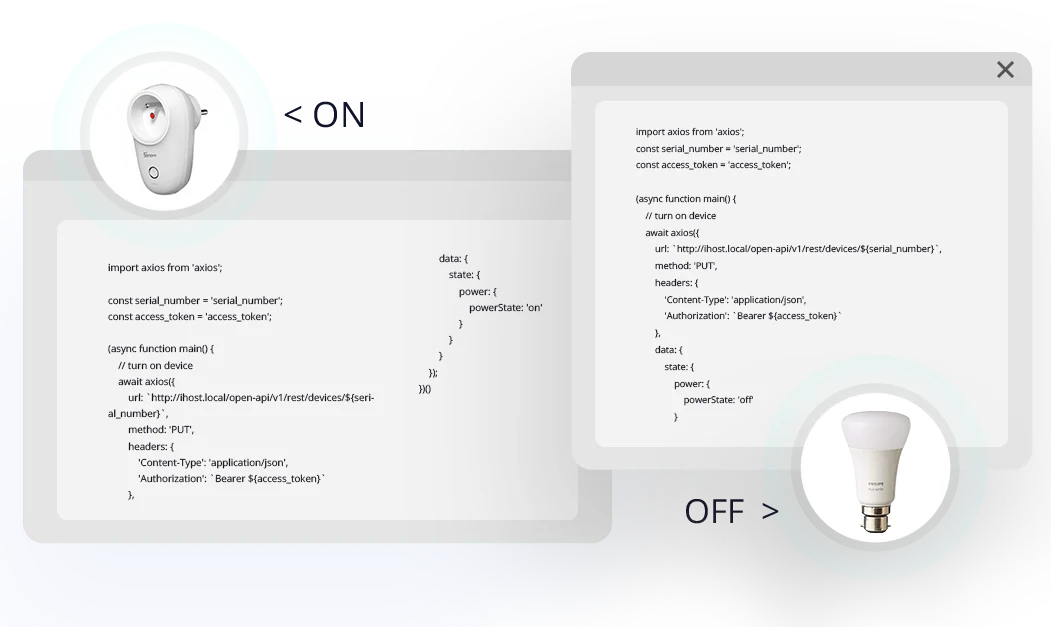
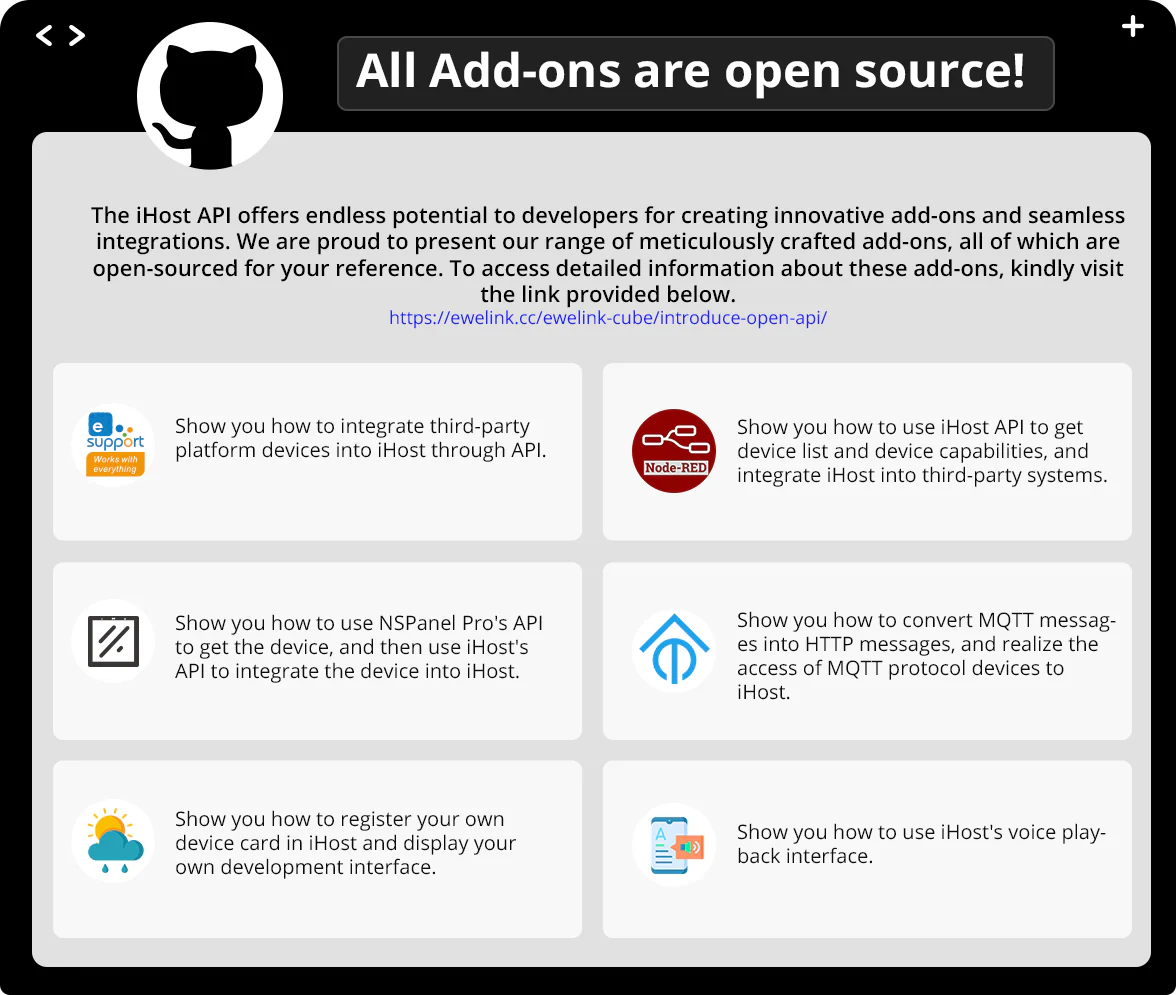
Open API
Infinite possibilities for you to develop your Add-on or integrate your system.
Maybe you have imaginative ideas or features you’d like to see implemented on iHost?


Reviews
There are no reviews yet.