
MR SMART

Summer sale discount off 5% off!

Need help? Call us +35569600 7196

Need help? Call us 1-800-123-4567
Availability: In Stock

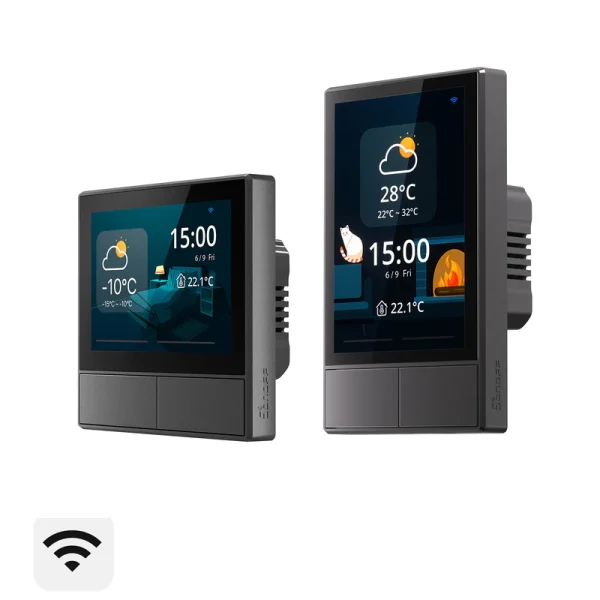
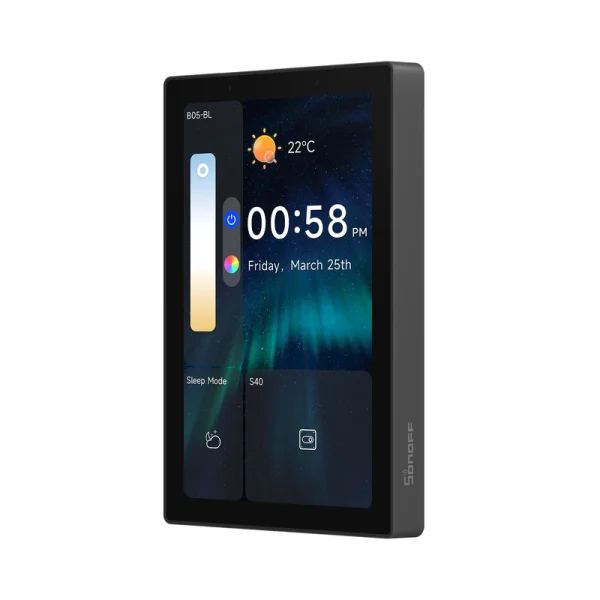
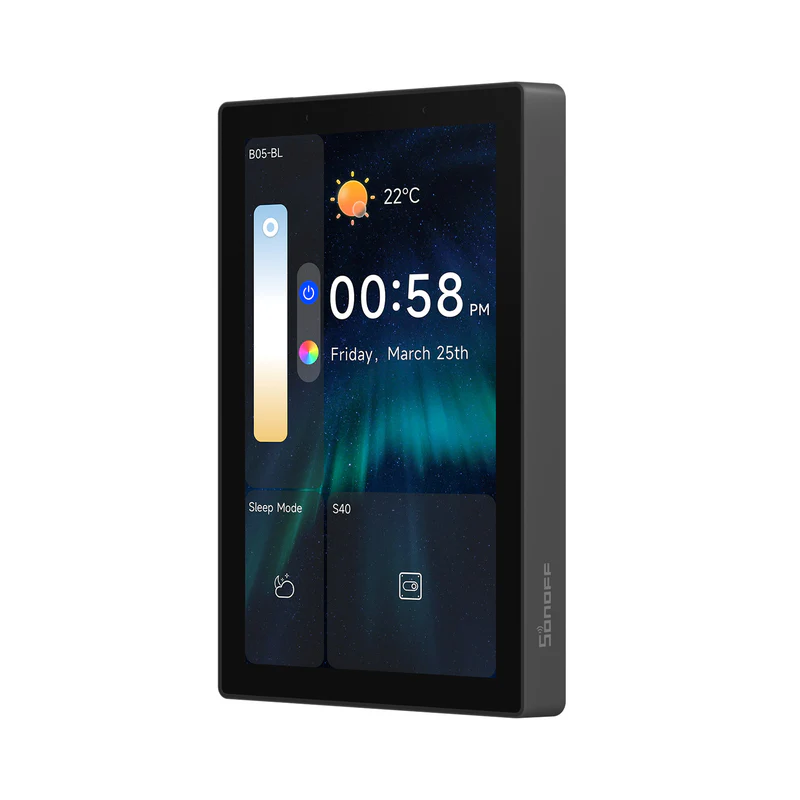
SONOFF NSPanel Pro Smart Home Control Panel-120 Type (NSPanel120PB)

14899 L

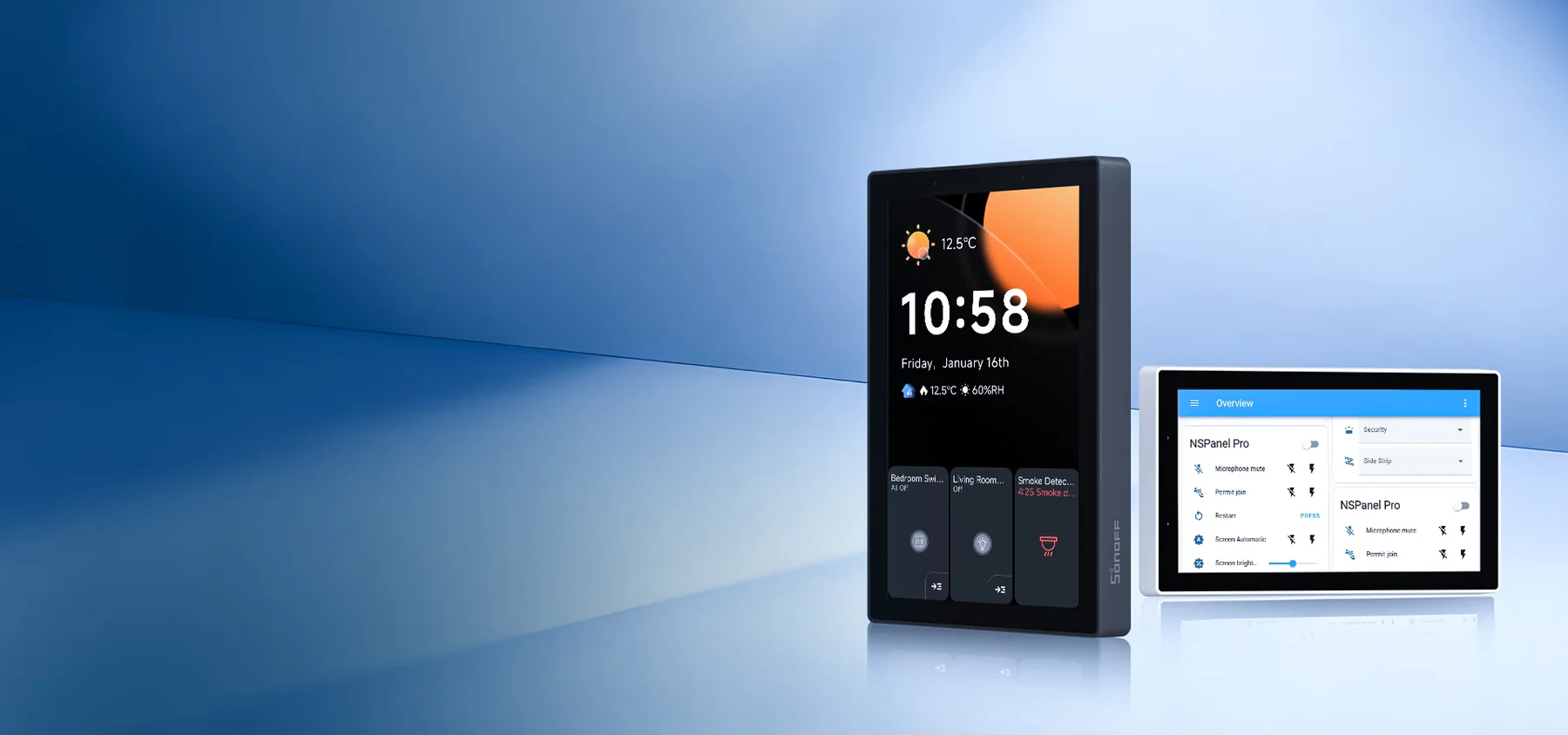
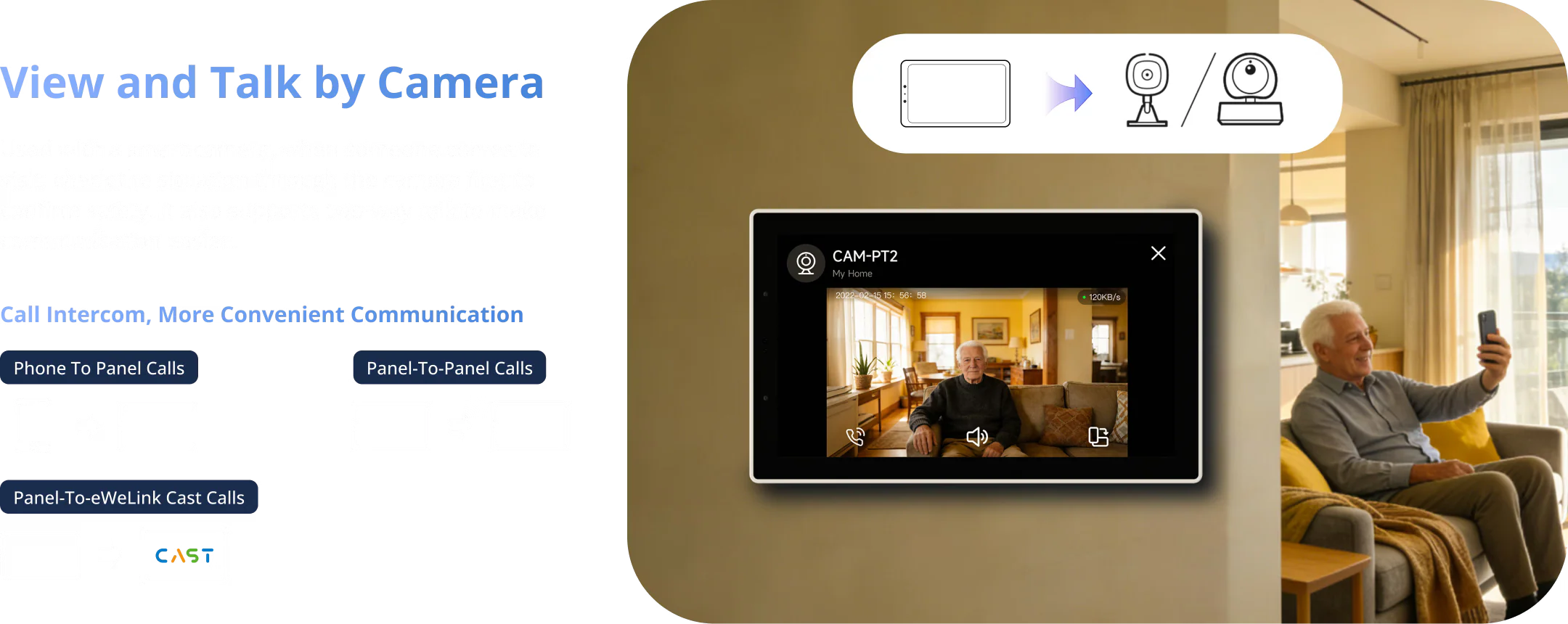
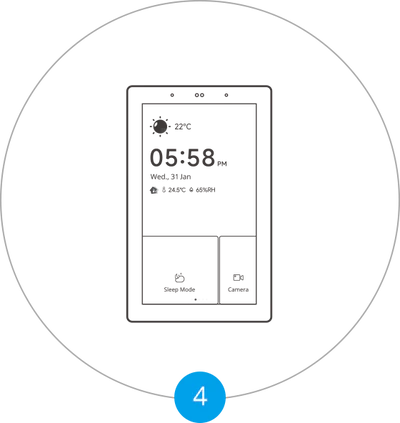
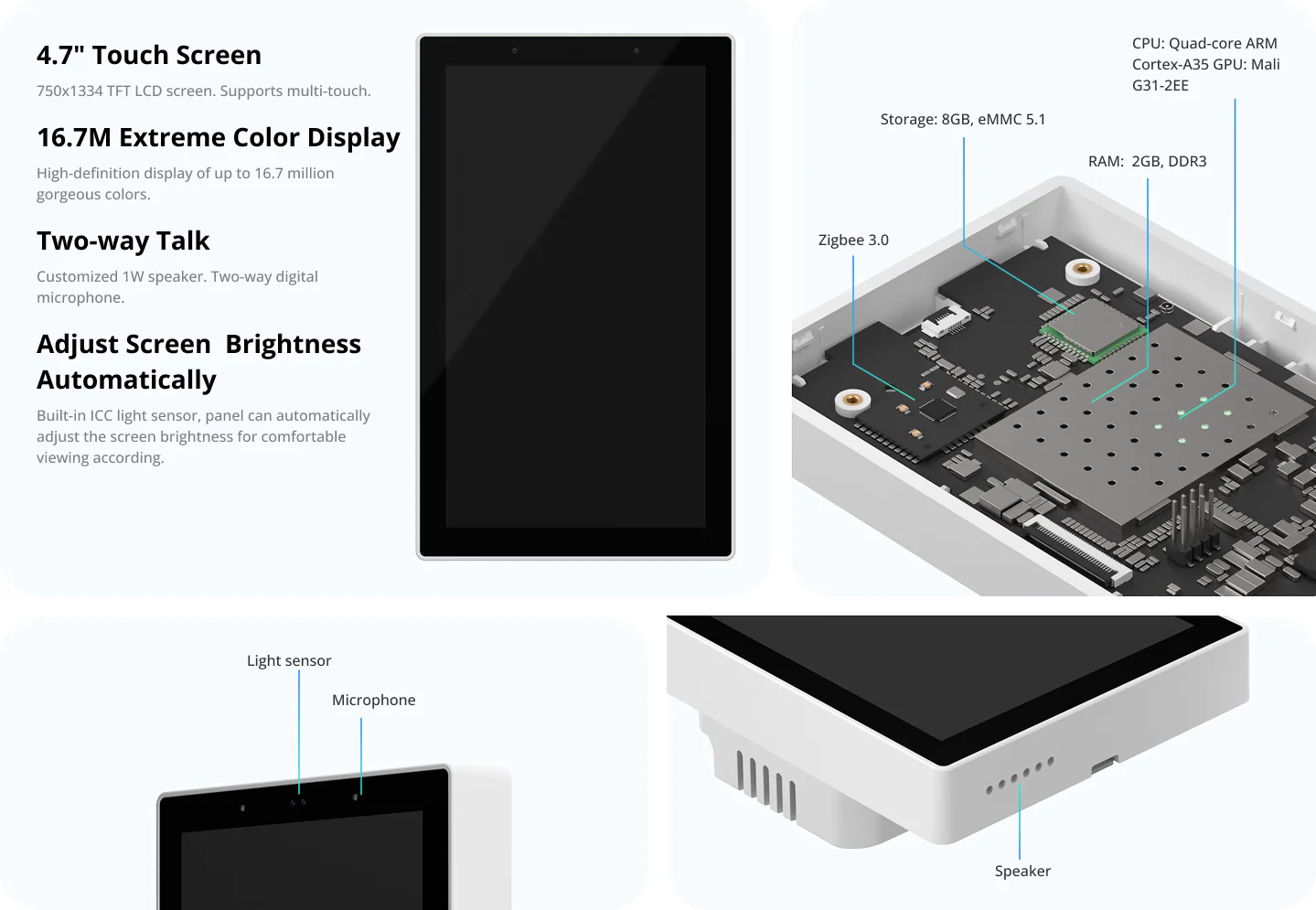
【Larger All-in-One Panel】Control your smart home from a 4.7-inch display. Whether you’re adjusting lighting, monitoring energy use, checking camera feeds, managing the thermostat, or even browsing the web—everything is just a tap away.
【Zigbee Hub Built-In】Add Zigbee devices in batches directly from the screen. With Zigbee 3.0 protocol, enjoy stable, wide-range connectivity. Sub-devices can be voice-controlled via Alexa, Google Home, and others.
【Smart Security】Set up to 3 customizable arming modes. When a sensor is triggered, NSPanel Pro activates an alarm and immediately pushes a notification to your phone for real-time alerts.
【Energy Monitoring】Track power usage by linking devices with energy monitoring capabilities. View detailed daily consumption data for up to a week.
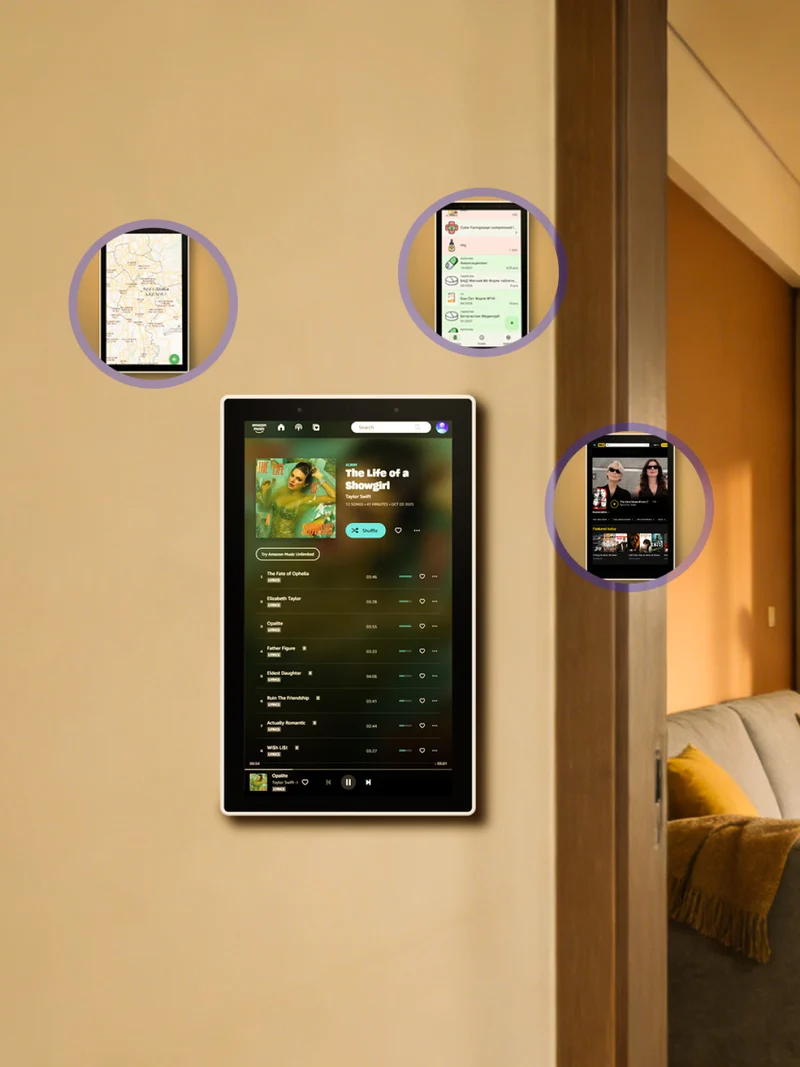
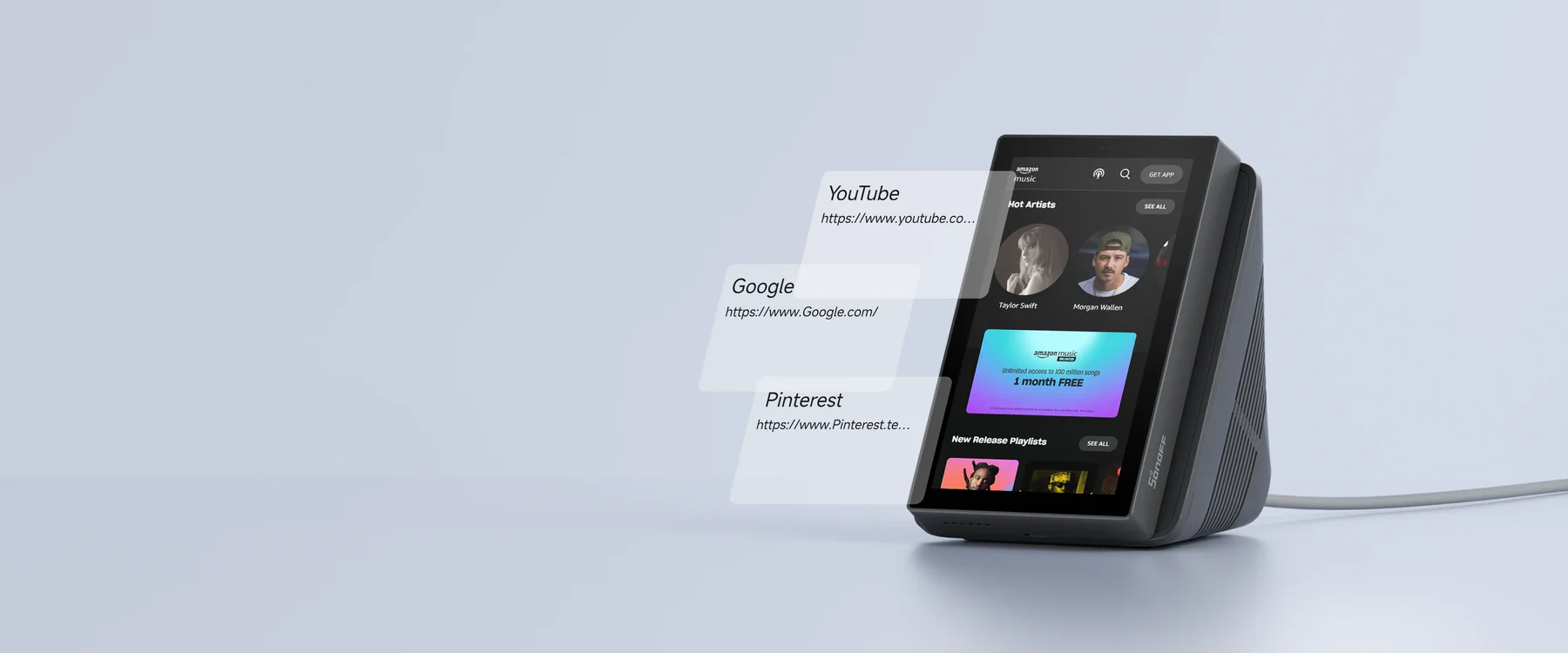
【Web Access Shortcut】Save your favorite websites directly on the panel. Whether you’re streaming music, watching videos, or browsing tips, launch them instantly with one tap.

50 in stock
Description

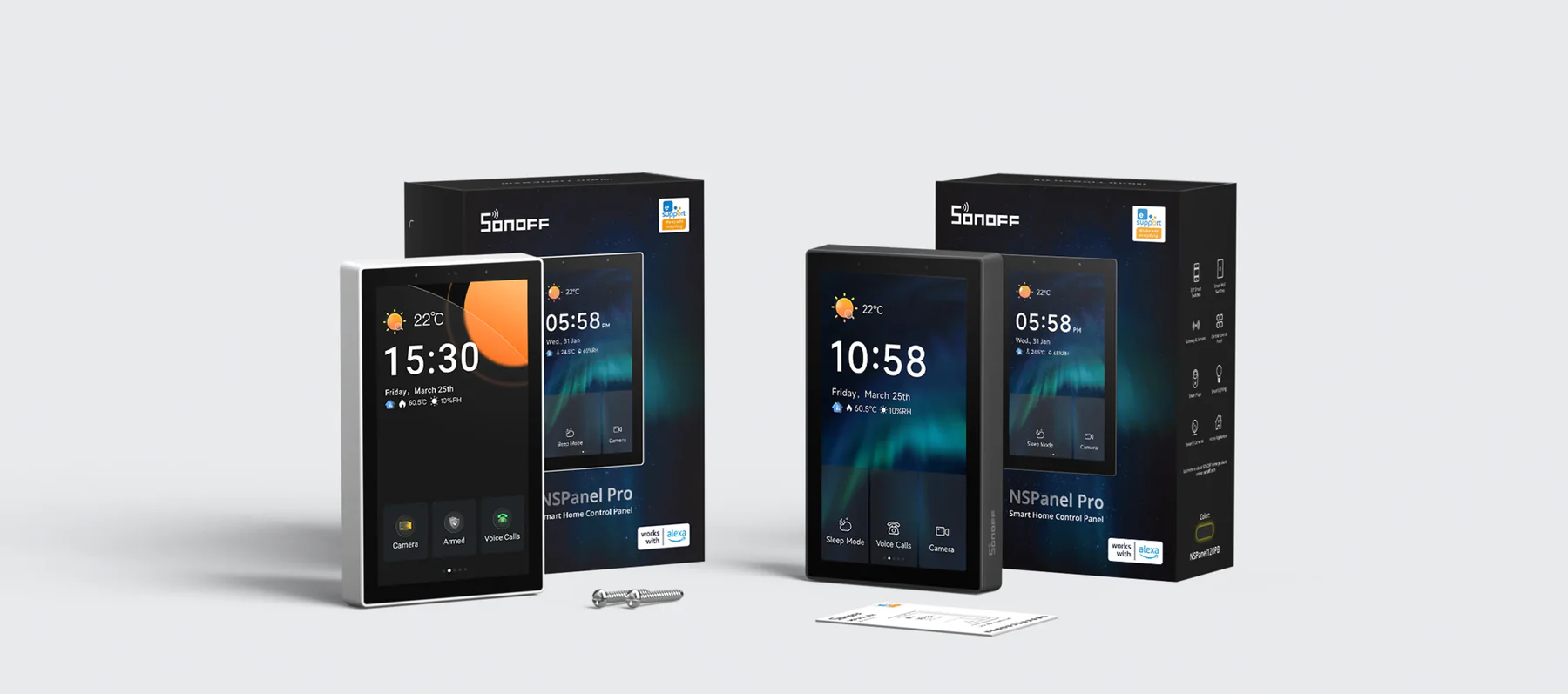
NSPanel Pro Smart Home Control Panel

Live Your Smart Life What It Should Be

NSPanel Pro as Your 
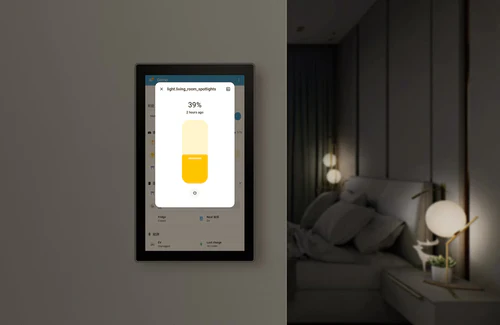
Home Assistant Dashboard

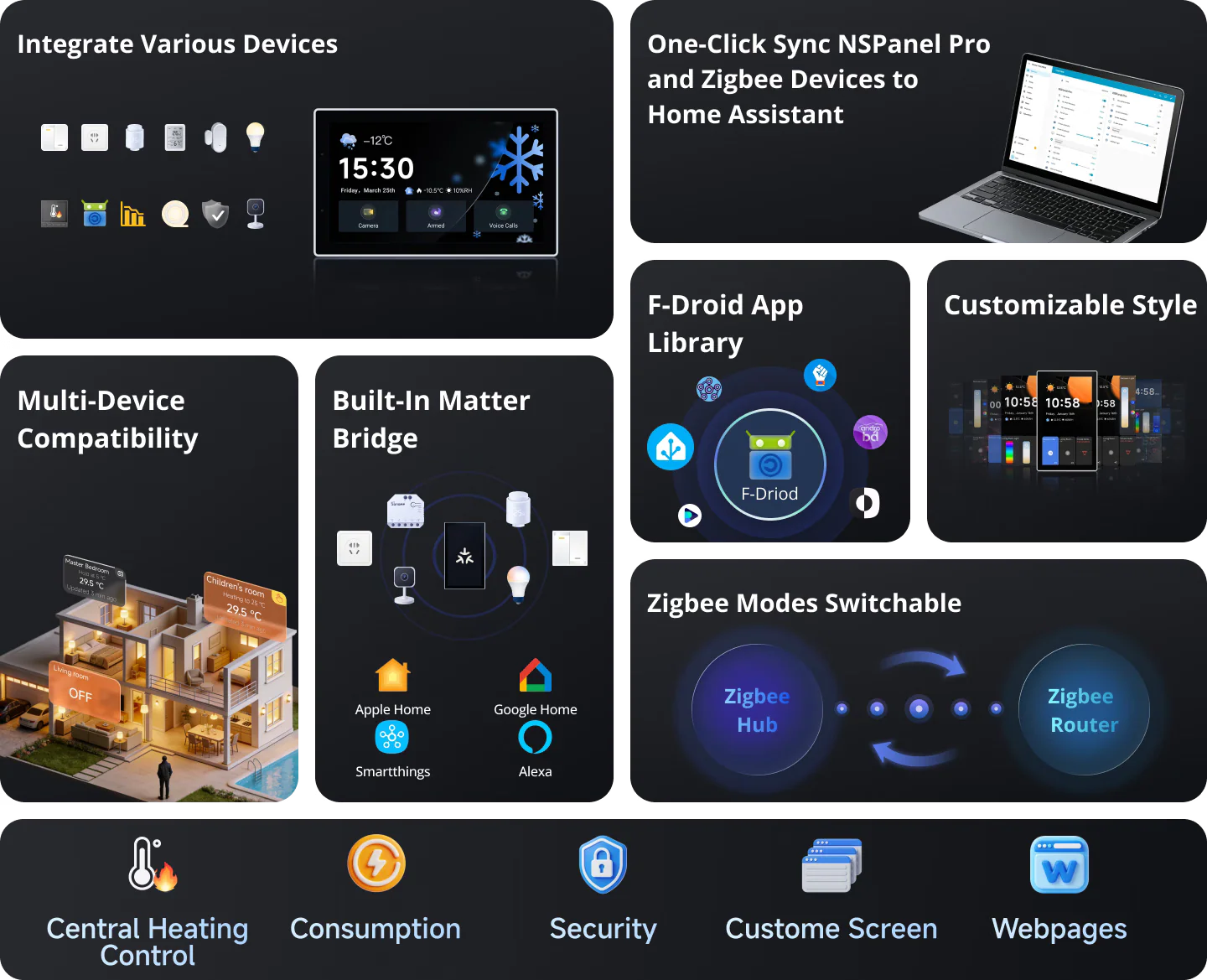
Download the official Home Assistant app via F-Droid, connect it to your Home Assistant Server, and enjoy centralized smart home management with intuitive, at-a-touch control.


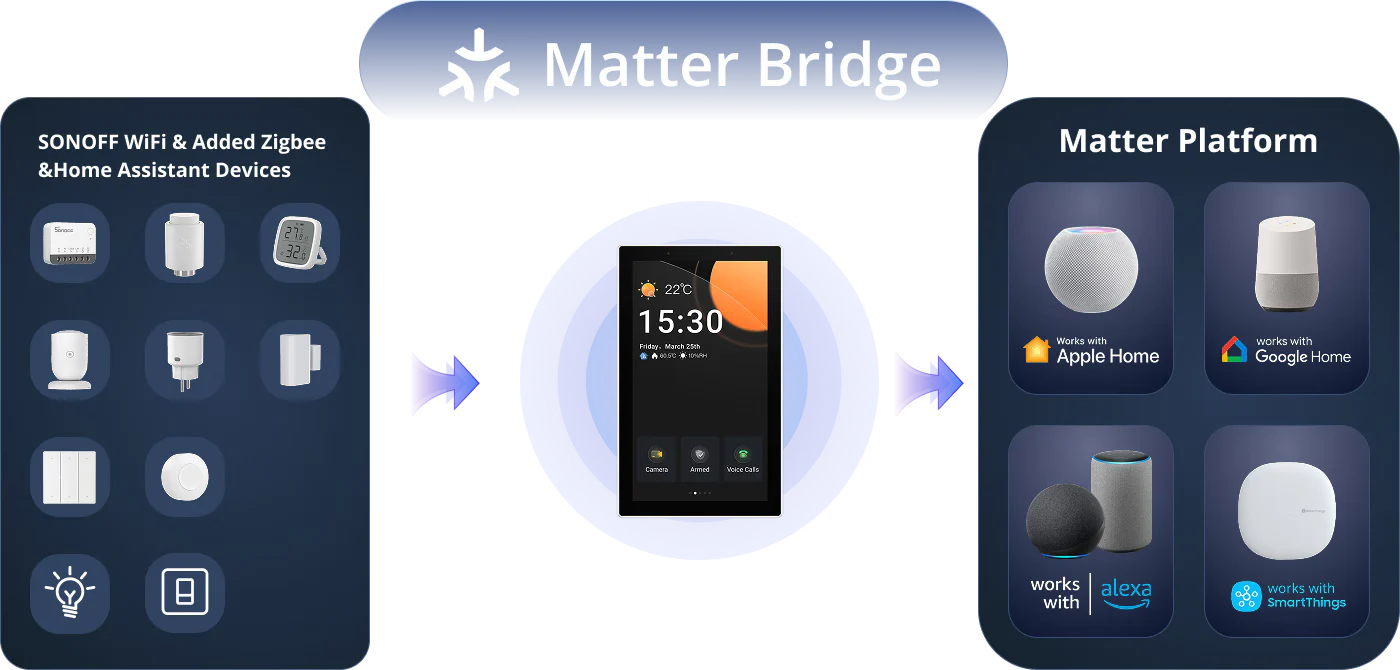
Unified Control Across Ecosystems via Matter Bridge

By scanning the Matter pairing code, you can synchronize and centrally control both the WiFi and Zigbee devices from your eWeLink account as well as devices from Home Assistant on the Matter platform, enabling effortless cross-ecosystem, seamless connectivity.


*For a detailed support list, please see the link :
https://sonoff.tech/blogs/news/nspanel-pro-supported-devices-list

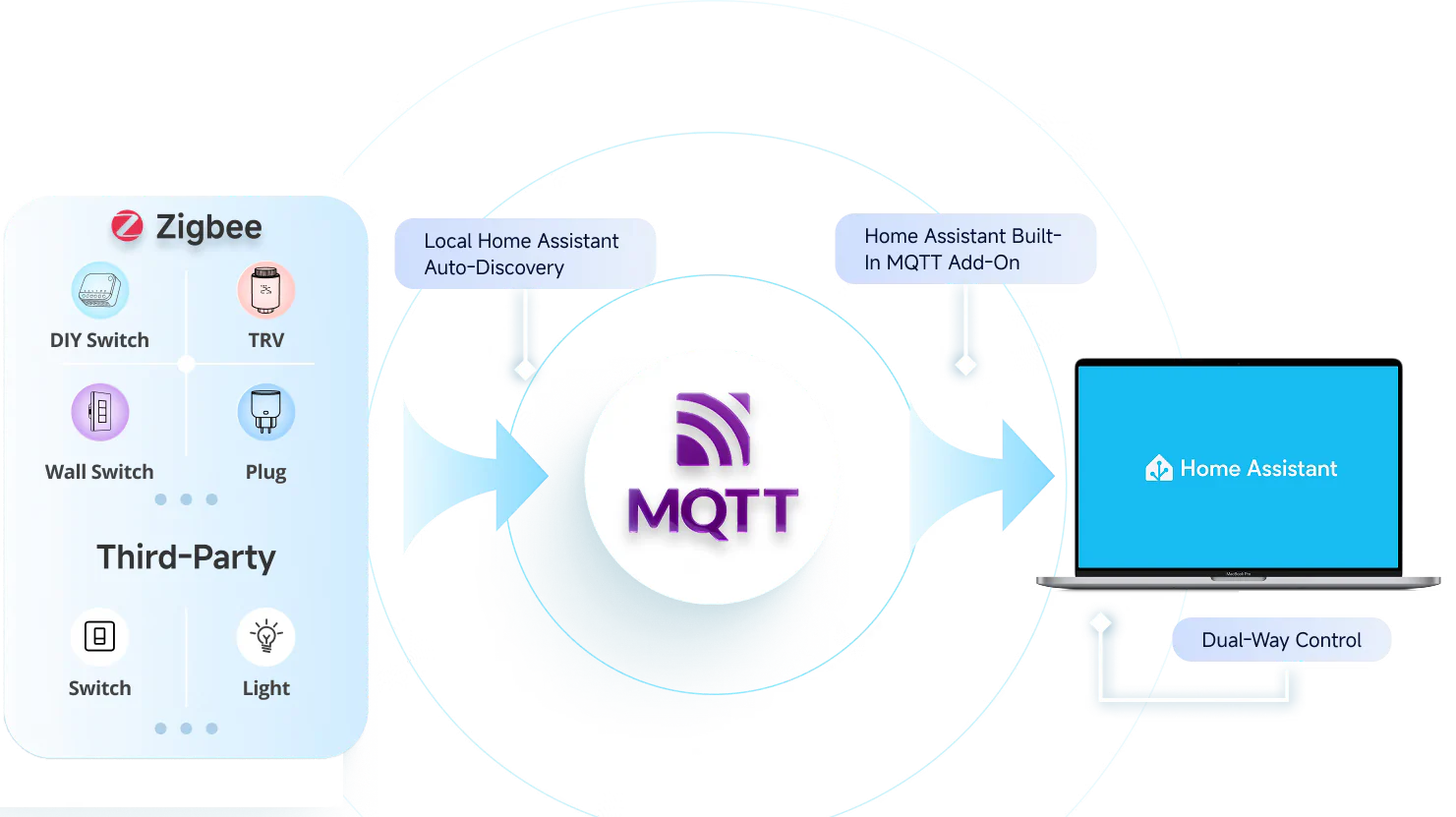
Bringing Your Zigbee Devices into Home Assistant

Want to manage your Zigbee sub-devices in both the NSPanel Pro and Home Assistant? Simply configure an MQTT Broker to sync Zigbee devices from the NSPanel Pro to Home Assistant.


*For a detailed support list, please see the link :
https://sonoff.tech/blogs/news/nspanel-pro-supported-devices-list

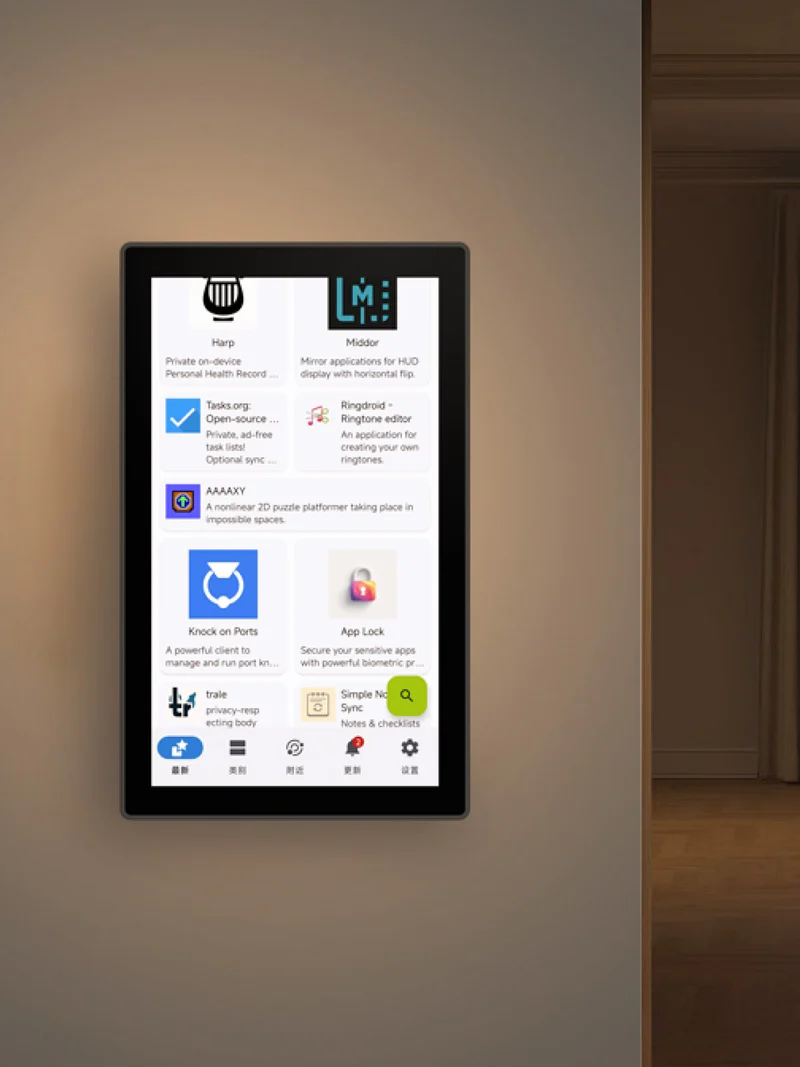
Navigate Smart Living with Ease

F‑Droid is a free and open‑source app store that offers ad‑free, privacy‑respecting applications verified by the open‑source community. Covering personalized and creative apps, it lets you effortlessly enrich your life with NSPanel Pro.


Set Any Third-Party App as Home App

The “Apps” feature allows you to set any third-party app as the Home App while keeping NSPanel Pro running in the background.

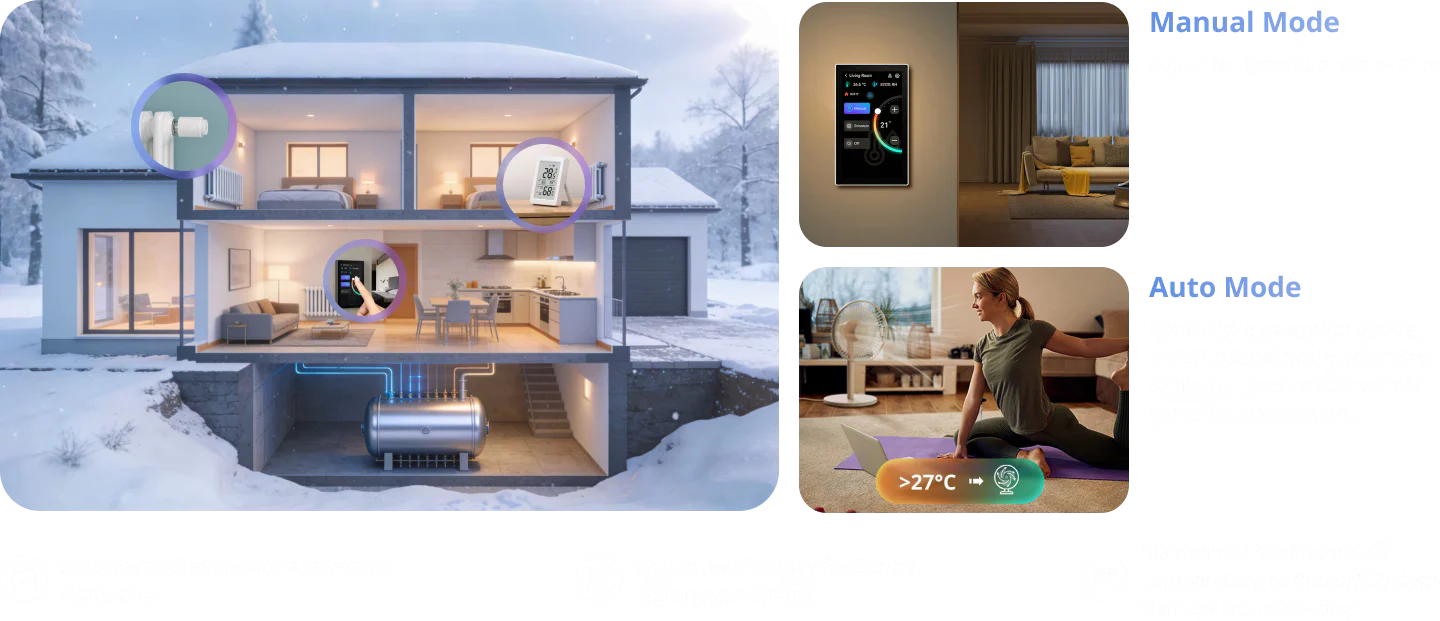
Smart Central Temperature Control, Make Life Easier

A single panel provides panoramic monitoring of temperature and heating status across all rooms, managing the whole-house heating system to deliver constant comfort to every space—achieving the ideal living climate through a truly integrated whole-home temperature control system.


Reliable and Stable Zigbee Gateway

Quickly add Zigbee devices on the screen in batches. Standard Zigbee 3.0 protocol makes the connection more stable and the coverage wider. Added sub-devices can be voice controlled by working with Alexa, Google Home, and more.

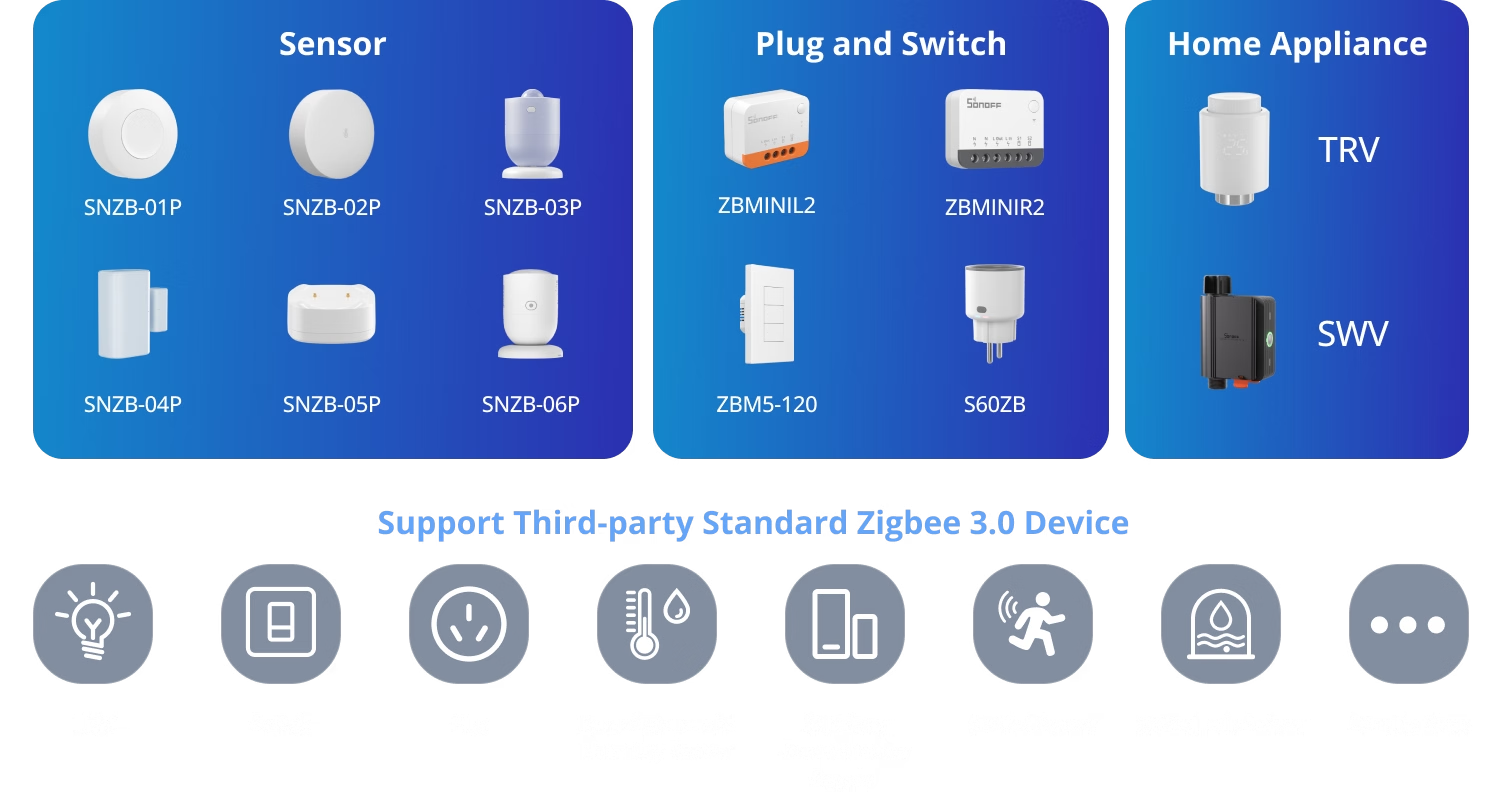
Support All SONOFF Zigbee Devices

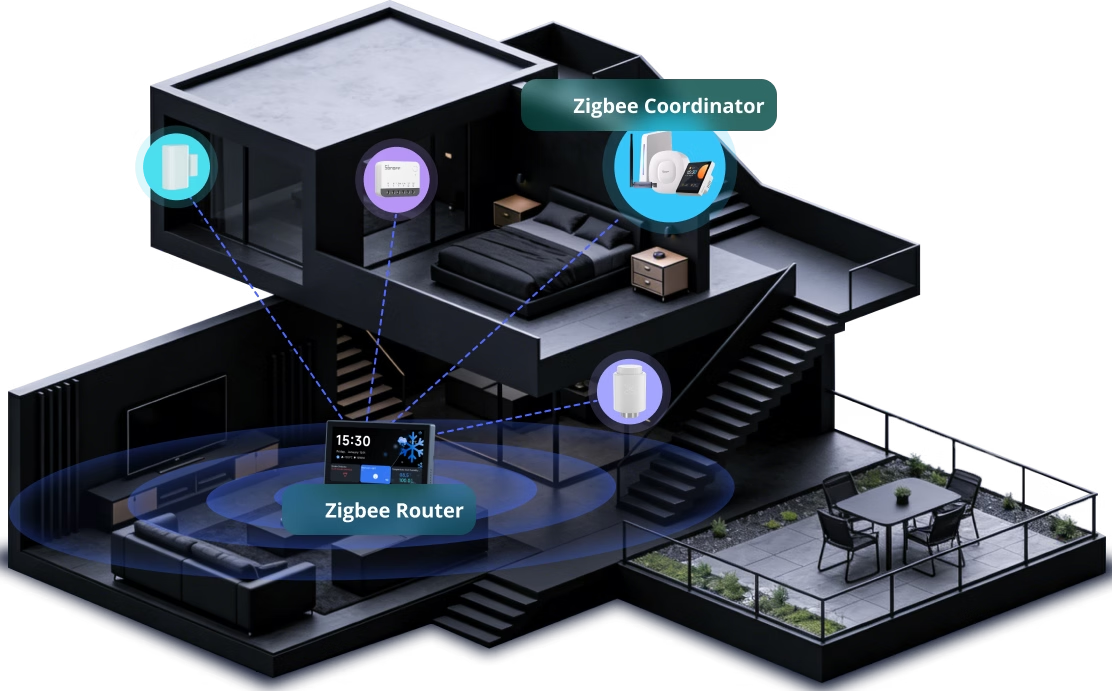
Zigbee Router Mode

Support Zigbee router mode to forward the gateway’s signal to Zigbee sub-devices, extending the coverage of the gateway signal.


*When switch to this mode, adding Zigbee sub-devices and executing local scenes will no longer be possible.


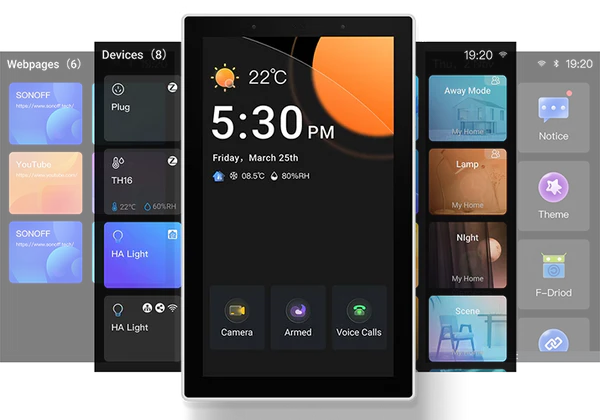
Explore Richer Functions in Webpages

Listening to music, watching videos, or
checking out the latest advice? Save the
address in NSPanel Pro’s Webpages, start it
quickly with one click, and relax at any time.

Customization Makes it Convenient

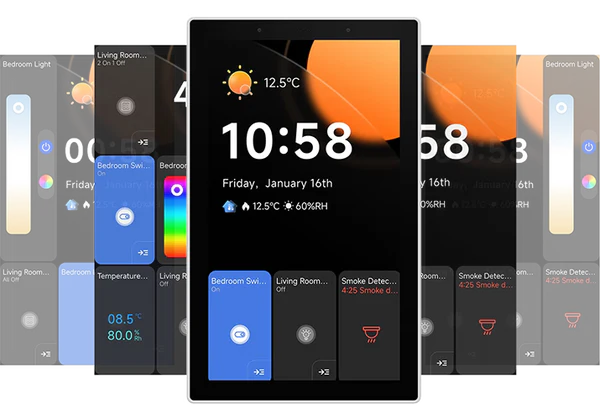
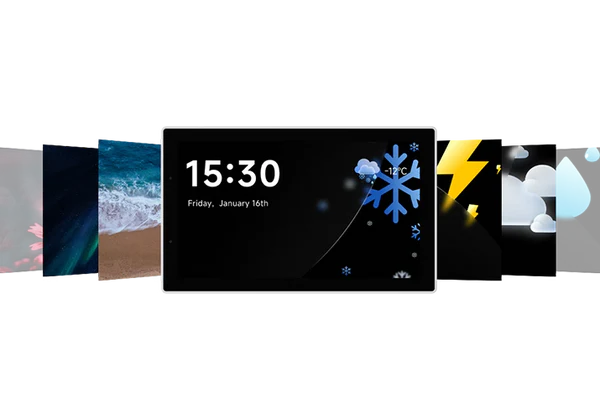
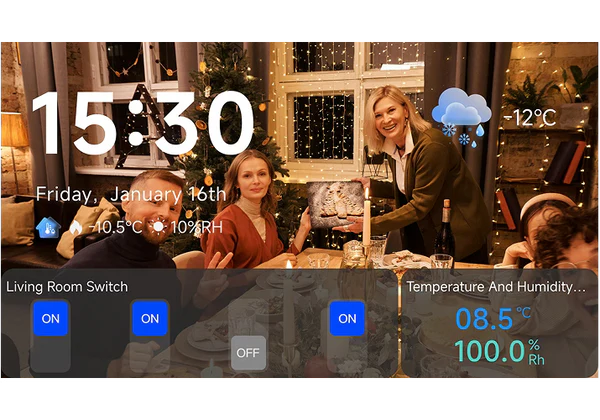
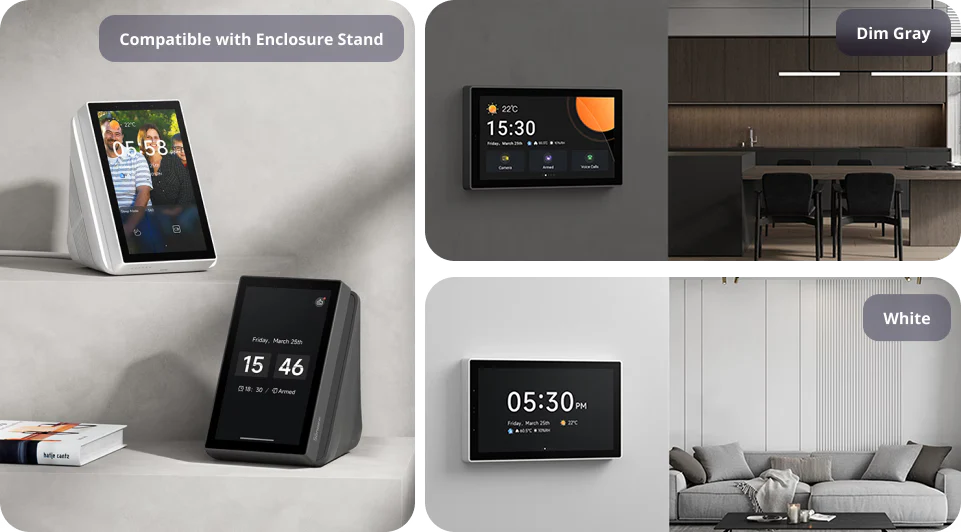
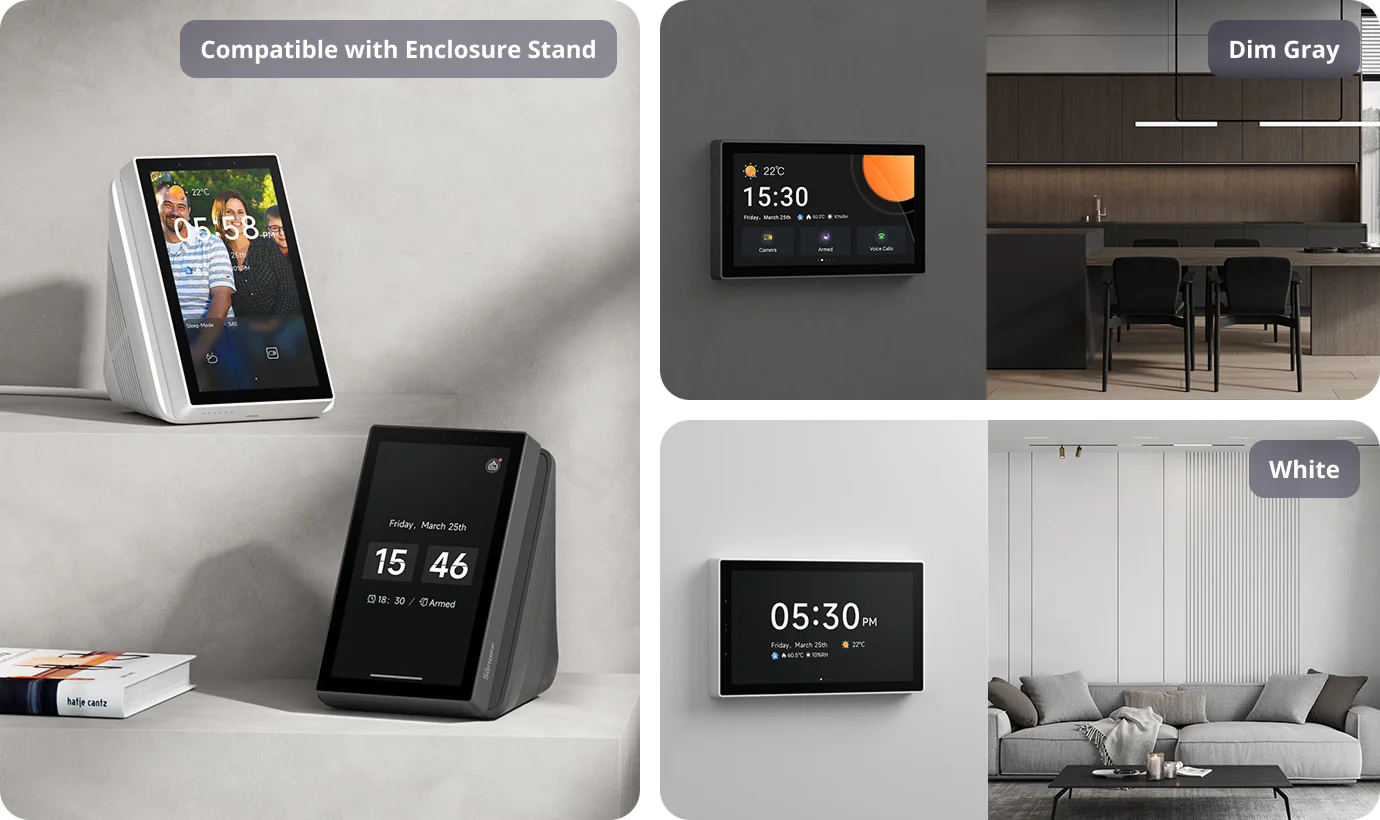
You can freely customize the home screen style or wallpaper of the NSPanel Pro, creating an attractive interface that makes your daily use more convenient.

simple style

classic style

Preset Wallpaper

Customize Wallpaper

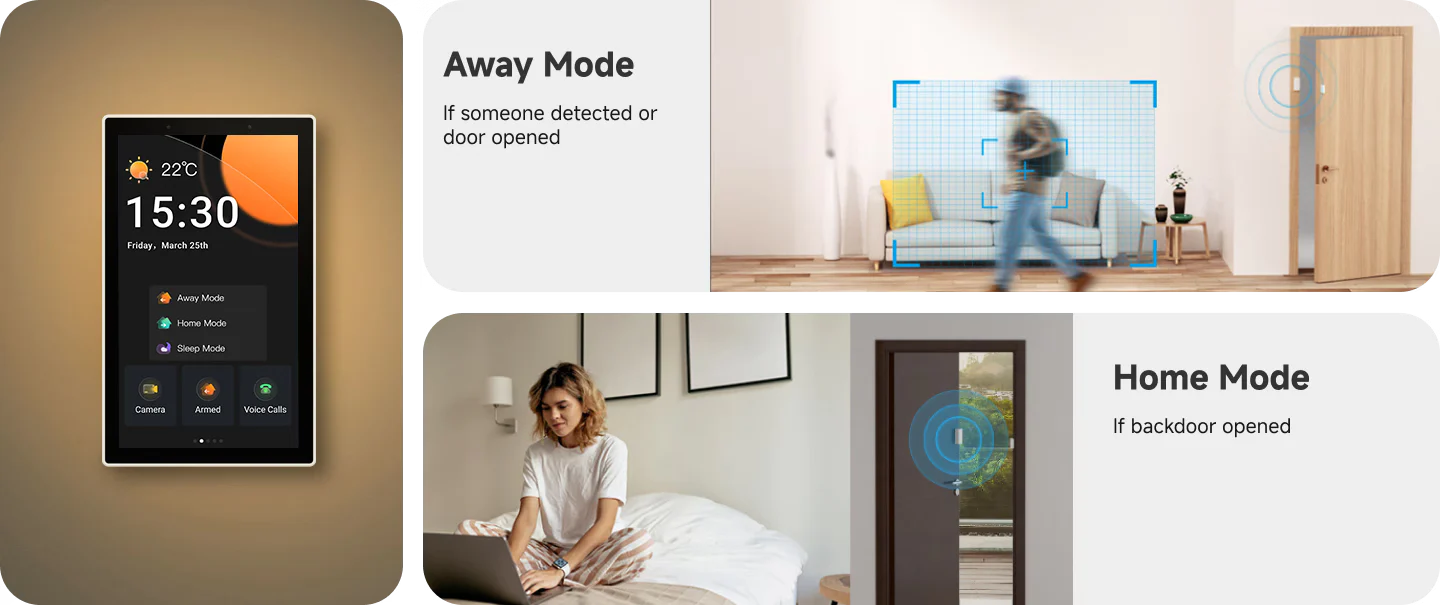
Customize Your Home Security Mode

Customize 3 modes by setting different arming devices. After arming, once the sensor is triggered, the panel will alarm, and you will receive a notification alert on the phone.


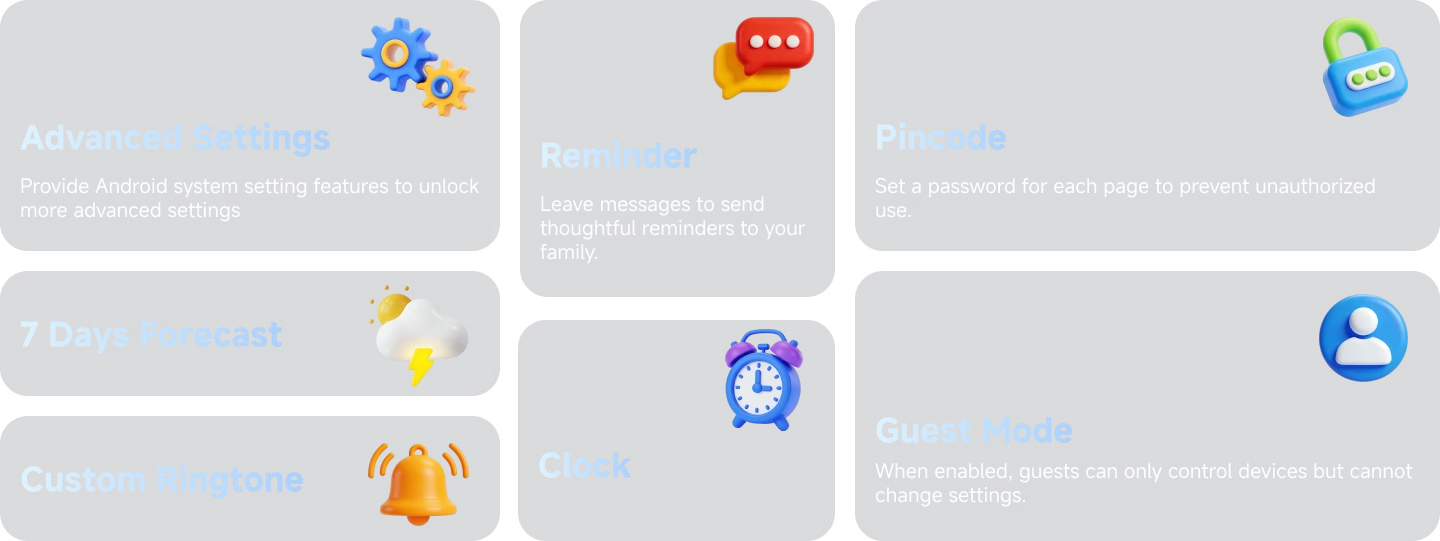
Multi Capabilities Assembled Here

Use as You Like

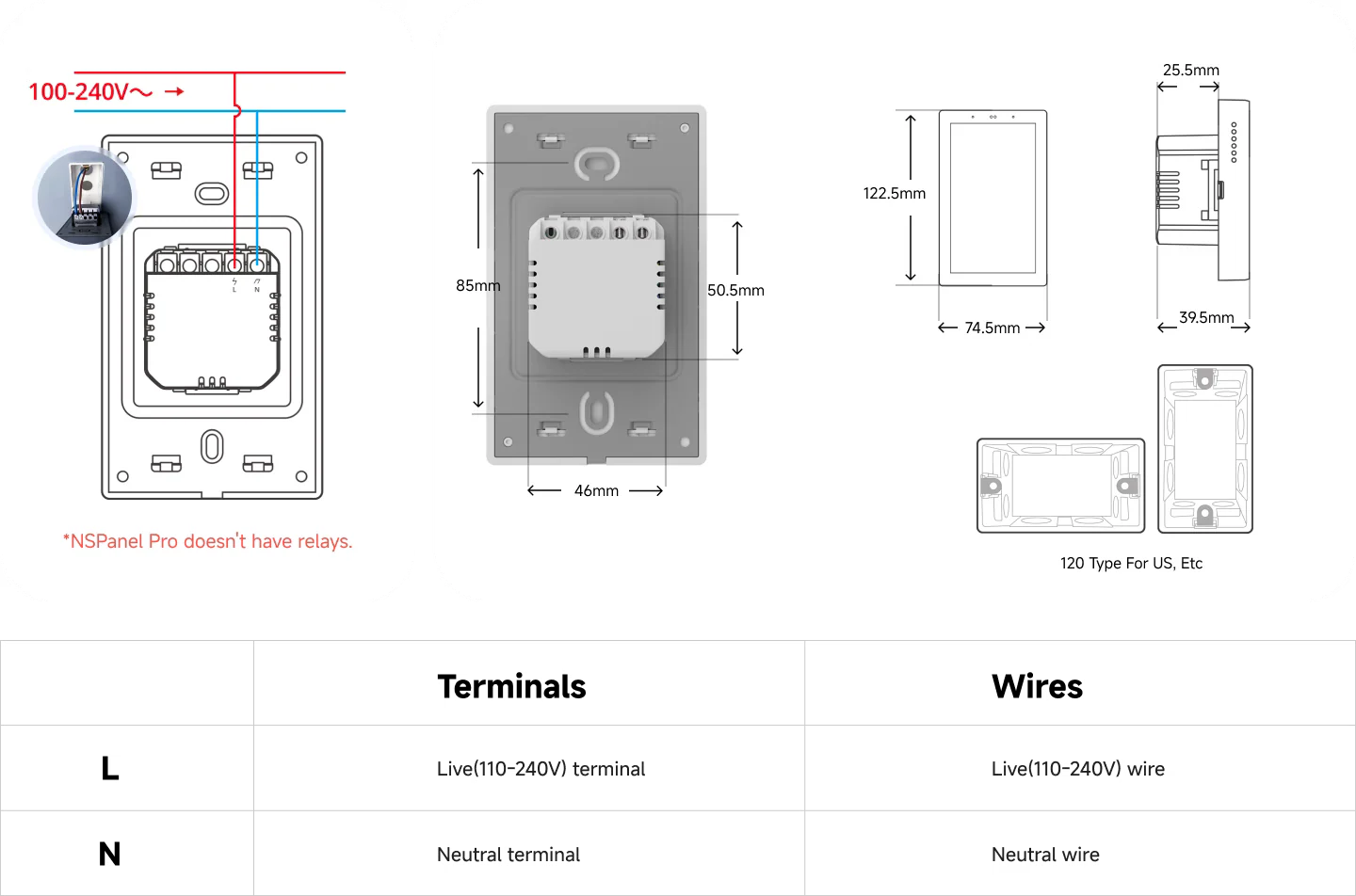
Wiring

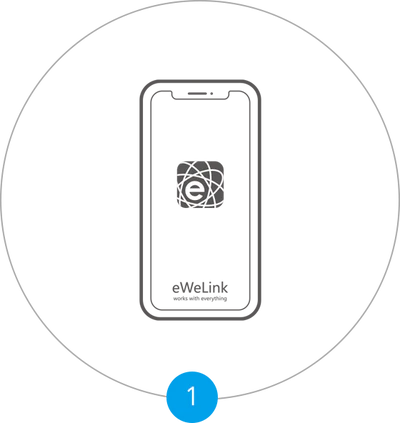
Quick Start

Download the eWeLink App.

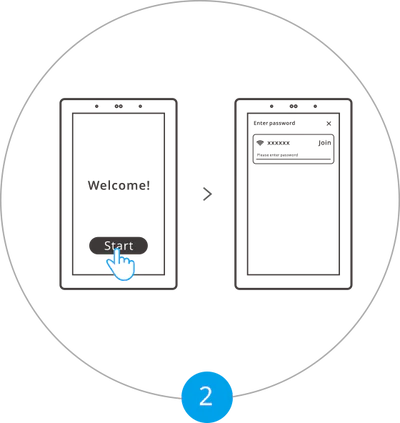
Powering on, tap “Start” to select the Wi-Fi and enter the password. Enter the main interface by following the prompts.

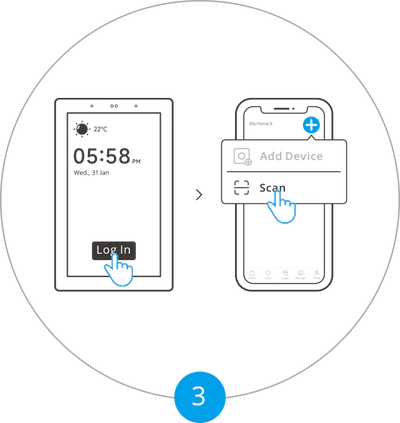
Tap “Log in” on the device and tap “+” on the eWeLink App to select “Scan”.

Begin to use.


Packages

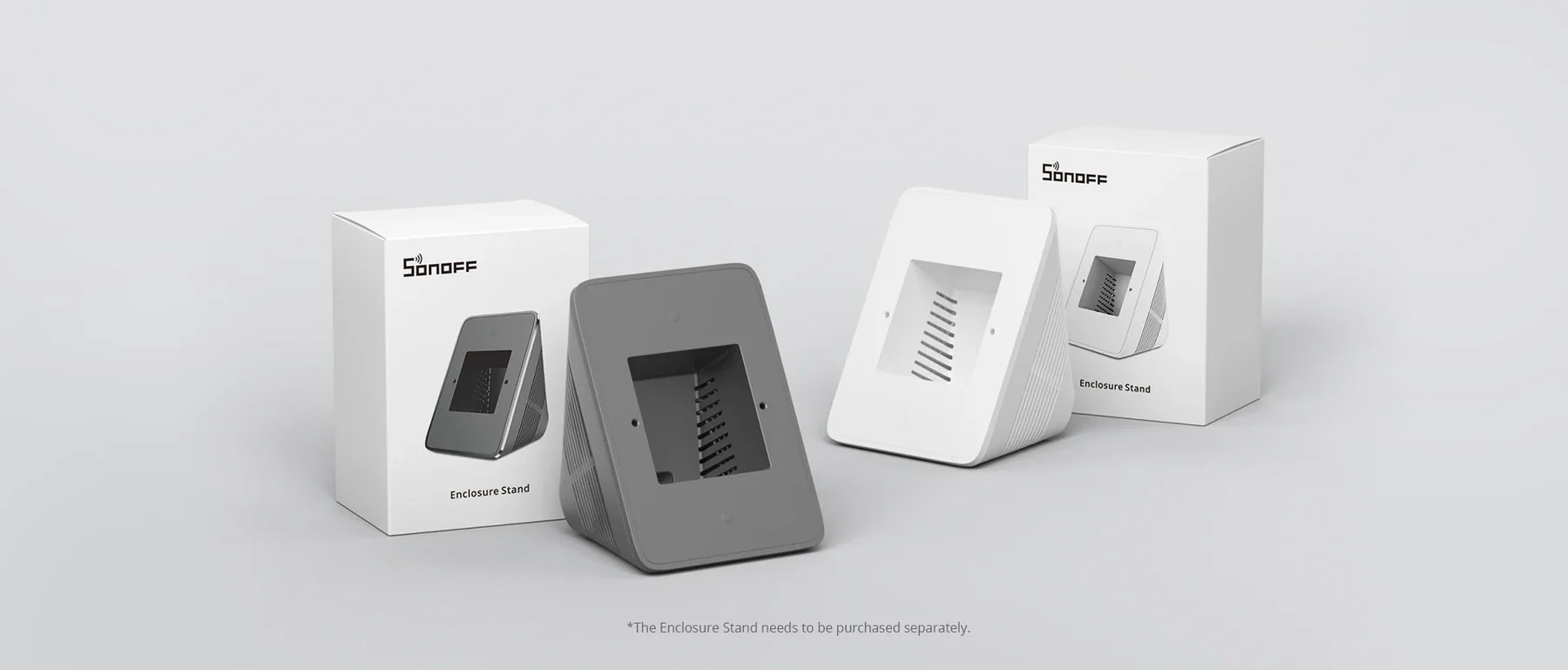
Accessories

Reviews

There are no reviews yet.

Be the first to review “SONOFF NSPanel Pro Smart Home Control Panel-120 Type (NSPanel120PB)”

Your email address will not be published. Required fields are marked *

SONOFF NSPanel Pro Smart Home Control Panel-120 Type (NSPanel120PB)
You're viewing: SONOFF NSPanel Pro Smart Home Control Panel-120 Type (NSPanel120PB) 14899 L
Add to cart
Select the fields to be shown. Others will be hidden. Drag and drop to rearrange the order.
  • Image
  • SKU
  • Rating
  • Price
  • Stock
  • Availability
  • Add to cart
  • Description
  • Content
  • Weight
  • Dimensions
  • Additional information
Click outside to hide the comparison bar
Compare
Shopping cart close